Guides › Communication
News
Share news from management and departments with images, categories and comments – with all employees or just one department.
What the module does
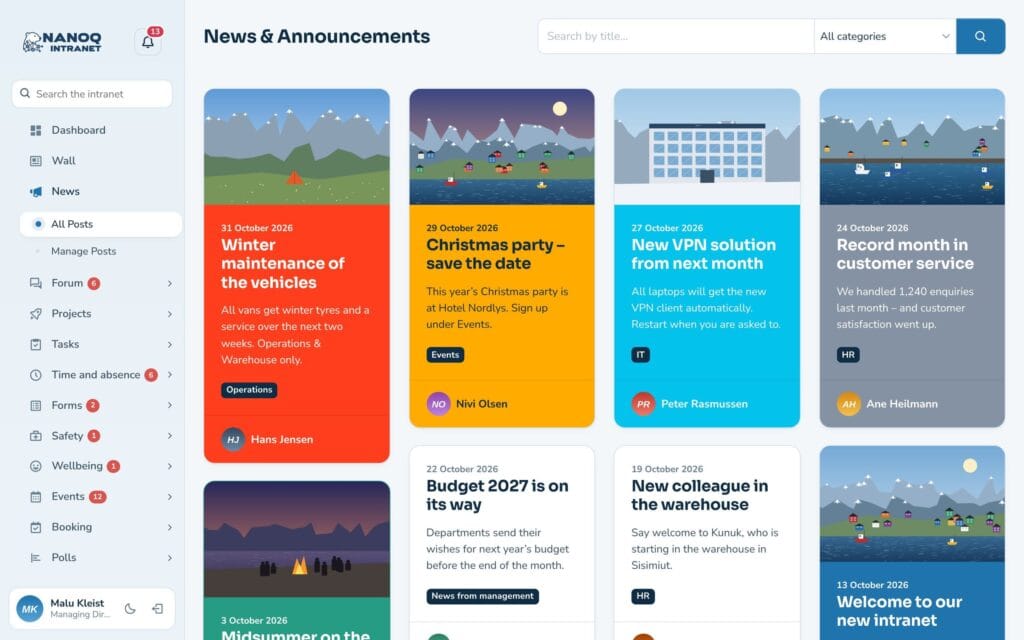
News is the intranet’s notice board. This is where management and departments share messages, results and practical information that everyone needs to see.
- News with image, text and categories.
- Comments under each news post.
- A news post can be visible to everyone or only to certain groups.
- The latest news is also shown on the dashboard.
For employees
Read news: Click News in the menu. The newest posts are at the top. Click a title to read the whole post.
Find older news: Use the categories to filter, or search in the search field at the top of the menu.
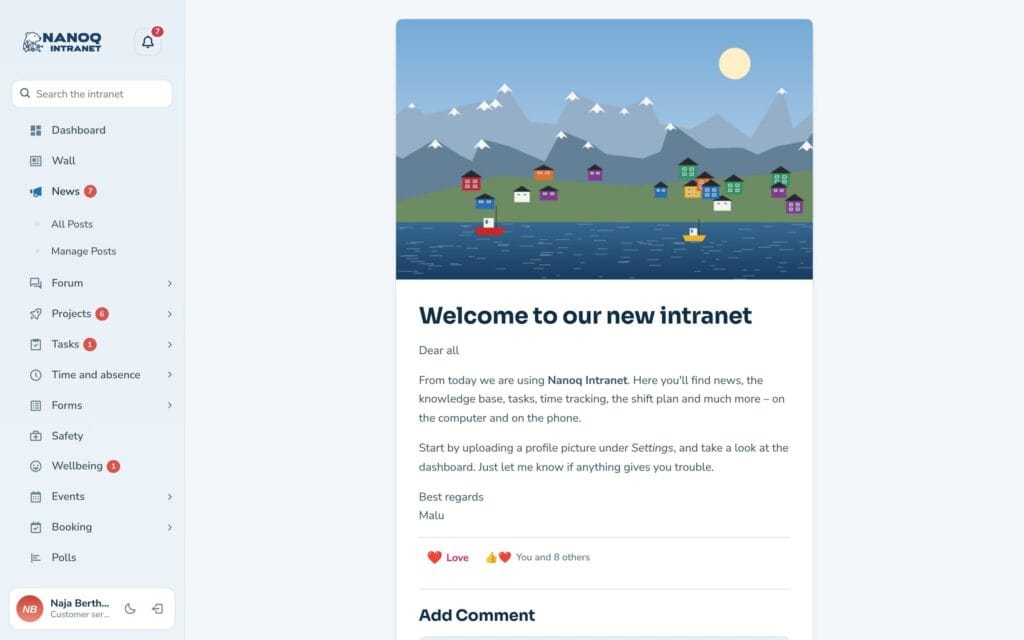
Comment: Write your comment at the bottom of the post. Everyone who can see the post can see the comments.
Write a news post
If your role is allowed to write news, you’ll find Edit post under News in the menu.
- Click to create a new post.
- Write a title and the text. Add an image if you like – it is shown in the overview.
- Choose one or more categories.
- Publish.
You can always edit or delete your own news from the same page.
Target a department
News can be restricted to groups in two ways:
- The whole category: Under Nanoq News → Categories & access in WordPress, a category can be locked to one or more groups. All news in the category is only seen by the members.
- One post: When you edit a news post in WordPress, there is a Visible for groups box. Leave it empty to show the post to everyone.
If a post is in several locked categories, it is enough to be a member of one of the groups.
For administrators
Under Nanoq → News:
- Turn the module on/off.
- Restrict Access: roles that may not see news.
- Add Post: roles that may not write news.
- Number of news posts per page.
Categories are created under Nanoq News → Categories & access.
Good to know
- News can be shown on an ordinary WordPress page with the shortcode
[nanoq_news]. See Shortcodes. - News for a group is never public – not via shortcodes either.