Knowledge and files
The right version – every time
Gather the staff handbook, templates, minutes and policies in folders. Versions and check-out make sure nobody overwrites anyone else’s work.
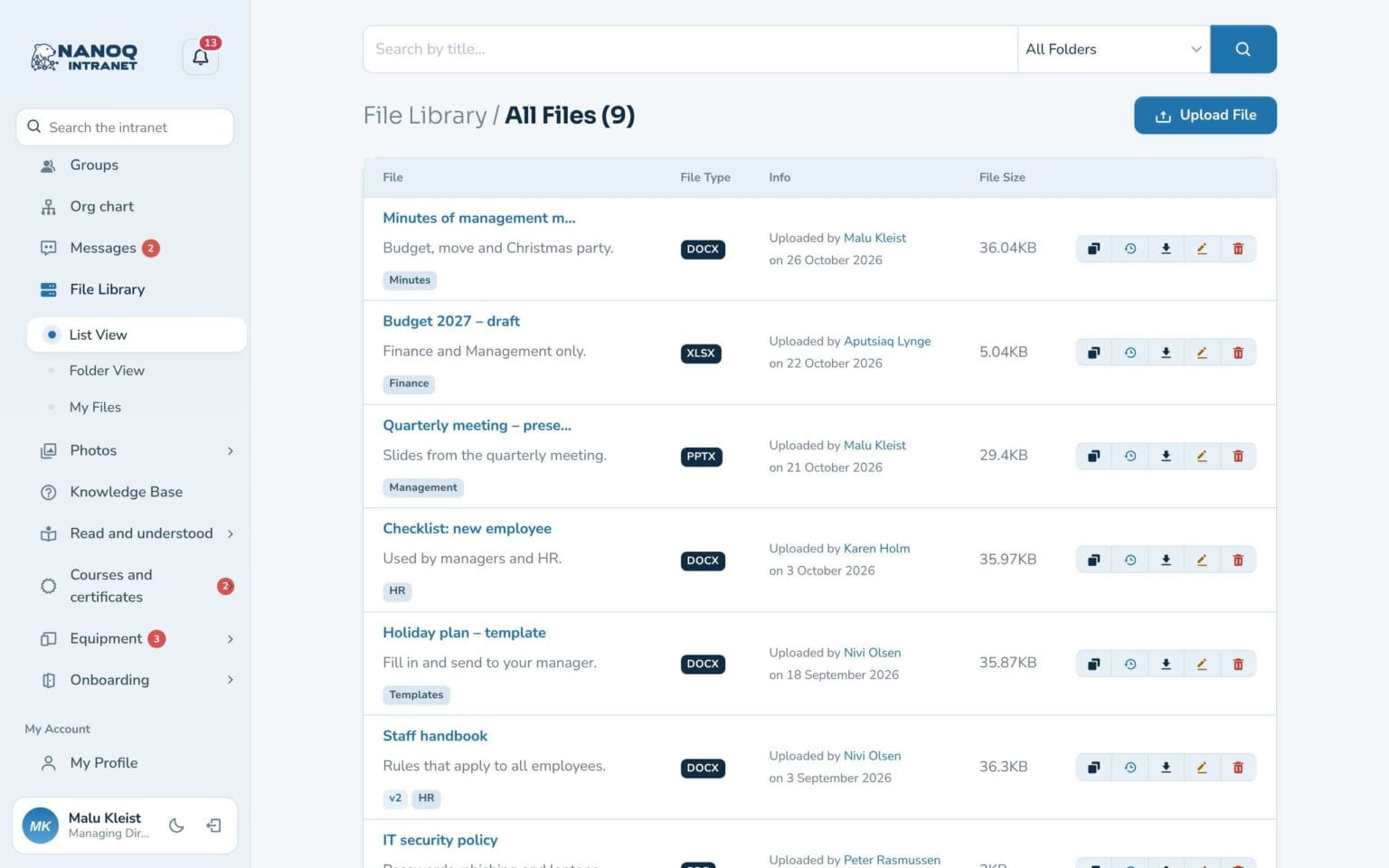
What the module does
Documents in folders with versions, check-out and access by department.
Folders
Folders and subfolders, shown as a list or as folder cards.
Versions
Upload a new version with a comment – the old ones are kept.
Check-out
Check the file out while you work on it.
Search in the content
Find words inside Word, Excel, PowerPoint and PDF.
Access
Lock folders to departments, or share a file with specific people.
Protected files
Files can only be downloaded by users who are logged in and have access.
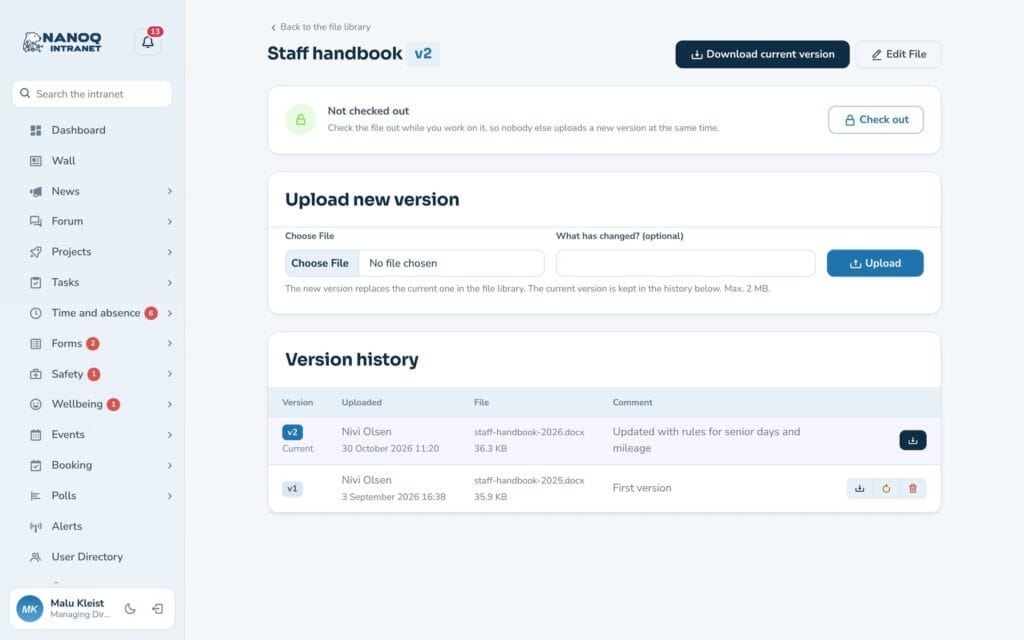
Version history in one click
See all versions of a file, who uploaded them and what has changed. An old version can be restored as a new one without losing the history.
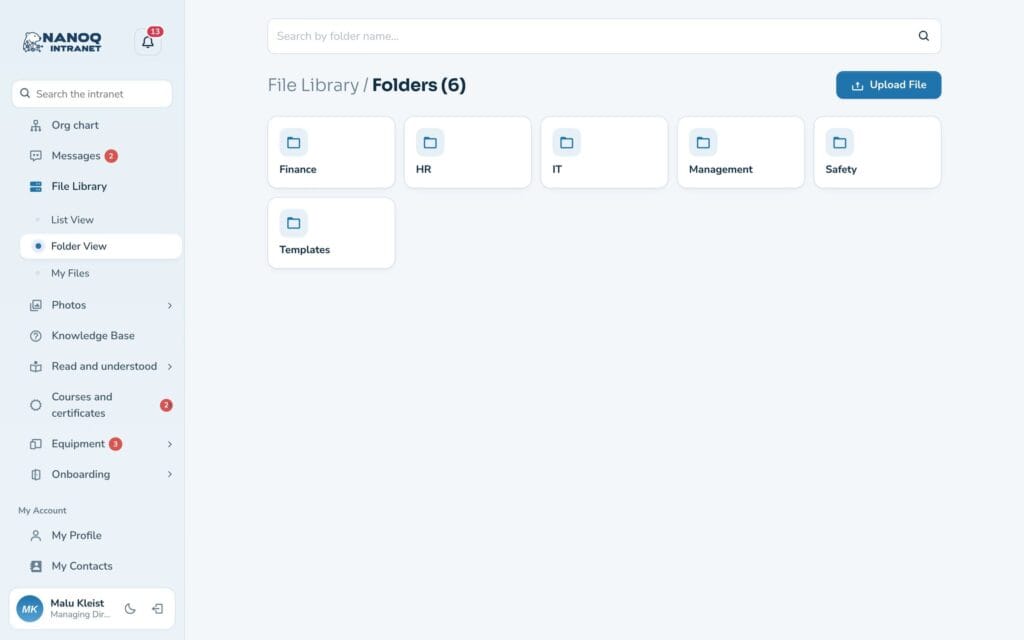
Folders that fit your organisation
Organise files in folders and subfolders. A folder can be locked to one or more departments – including all its subfolders.
See also
Search
One search box for the whole intranet – including the text inside documents.
Knowledge base
Guides and rules gathered in categories, so the answers are easy to find.
Ready to try Nanoq?
Log in to the demo as a managing director, manager or employee and see how it all fits together.
Demo login: username malu, ane, naja, hans, nivi or kunuk (Greenlandic) – password Nordlys2026