Security and compliance
The login page the bots can't find
Every WordPress site has its login at /wp-login.php and /wp-admin – and the bots know it, trying to guess passwords around the clock. With Hidden login you move the login to a secret address that only you know.
What the module does
Move the WordPress login to a secret address – so bots cannot guess passwords.
Your own address
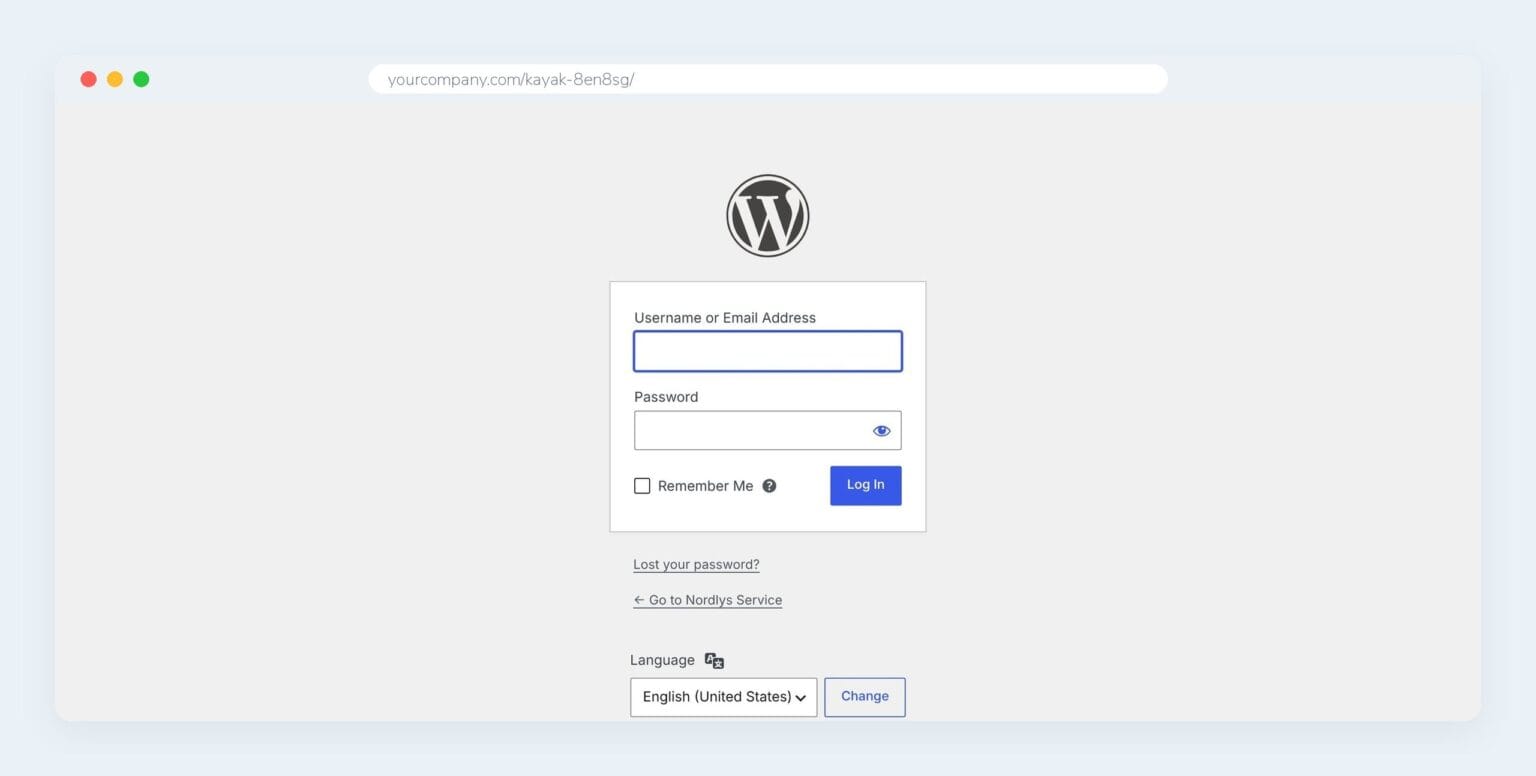
Choose the address yourself – e.g. yourcompany.com/kayak-8en8sg/ – or have one made for you.
Stop brute force
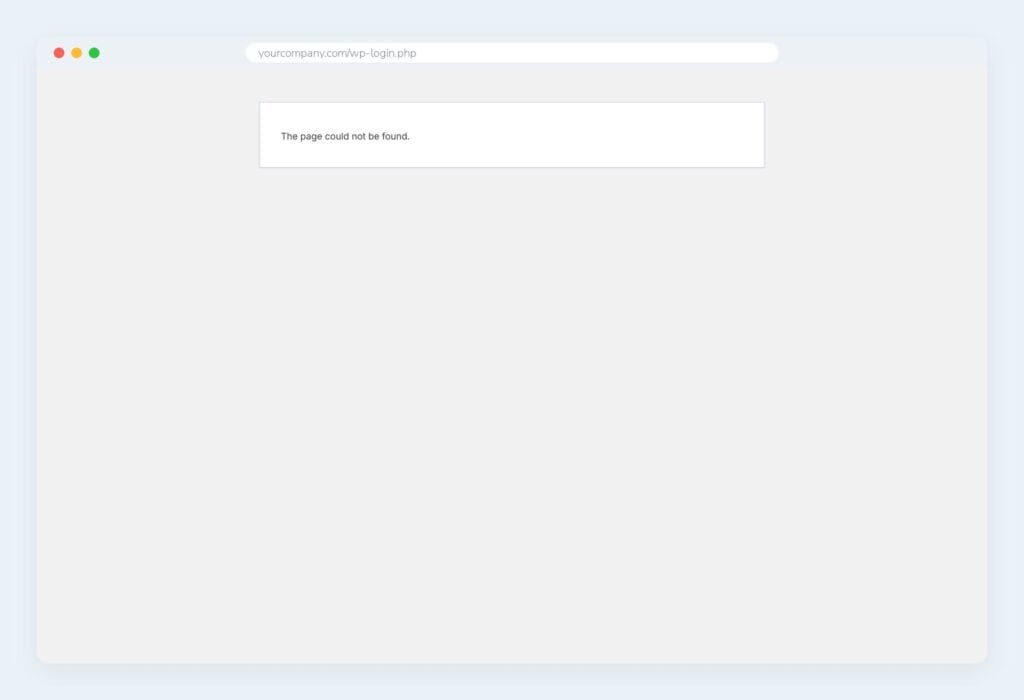
Bots trying /wp-login.php and /wp-admin get “Page not found”.
Administrator only
Only an administrator can switch the module on and change the address.
Email notification
When the address is changed, the new address is sent by email so it isn't forgotten.
The intranet works as before
Employees still log in on the intranet's own login page – also with two-factor login.
Emergency switch
If the address is forgotten, the module is switched off with one line in wp-config.php.
The old addresses are gone
If someone tries /wp-login.php or /wp-admin without being logged in, they just see “Page not found”. You can also choose to send them to the front page or the intranet’s login.
Switch it on in WordPress
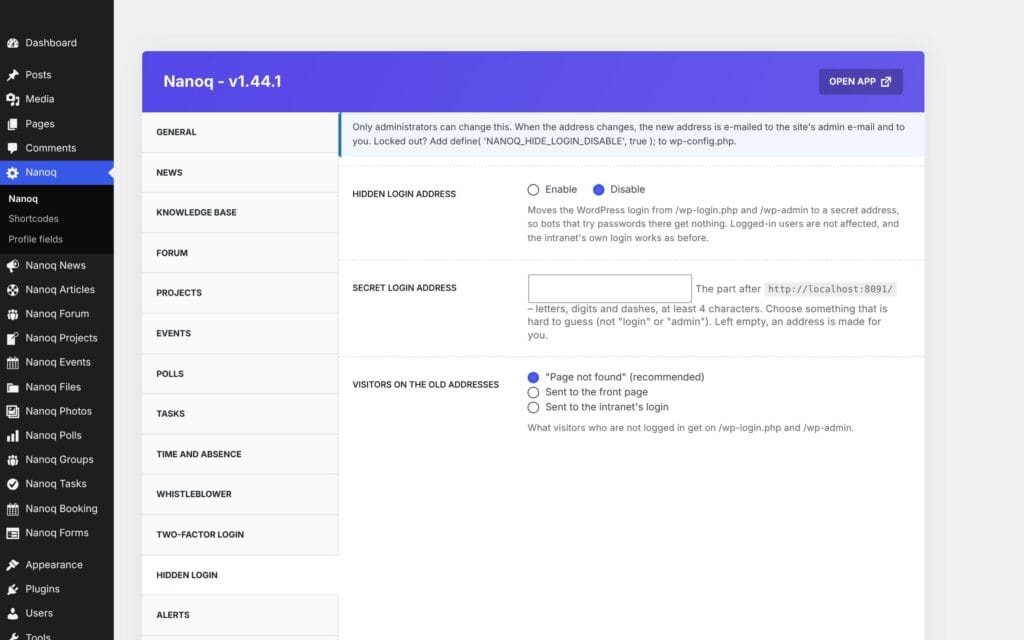
Switch the module on under Nanoq Intranet → Settings → Hidden login, and enter the address. If you already have another plugin that hides the login, Nanoq automatically steps aside.
Good to know: Hidden login is off until an administrator switches it on. Bookmark the secret address – it is also sent by email.
See also
Two-factor login
A code from an app or by email at login – so a stolen password is not enough.
Whistleblower scheme
Anonymous reports with a case number and key – only the appointed case handlers can see them.
Ready to try Nanoq?
Log in to the demo as a managing director, manager or employee and see how it all fits together.
Demo login: username malu, ane, naja, hans, nivi or kunuk (Greenlandic) – password Nordlys2026