Foundation
The intranet in your pocket
With the Nanoq app, employees have the intranet on their phone: push notifications that get through, the essentials even without a connection, and photos and files shared straight from the phone. Free on the App Store and Google Play.

What the app does
A real app for iPhone, iPad and Android – connected to your own intranet.
Connect in a moment
Scan the QR code under Settings → Mobile app on the intranet, or enter the address and log in as usual – two-factor login included.
Push that gets through
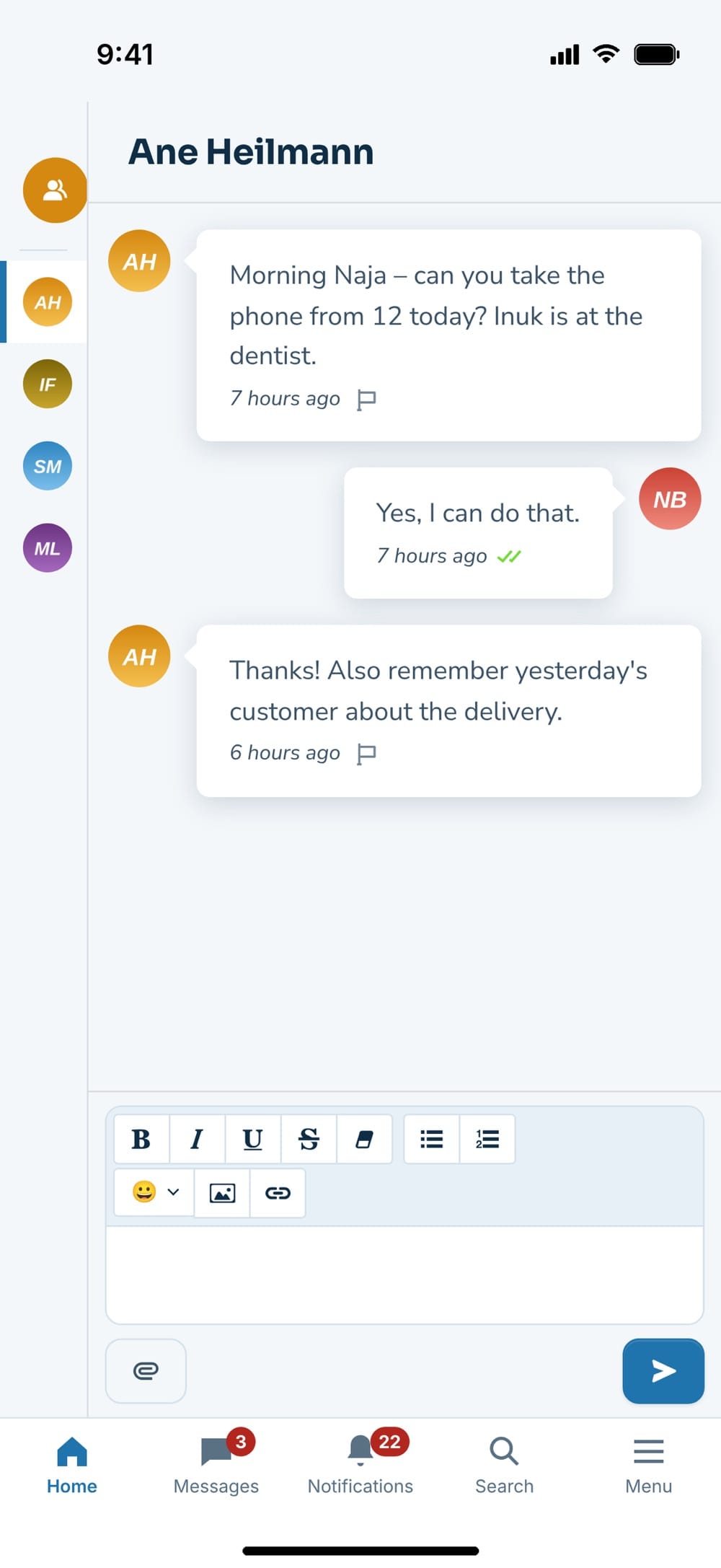
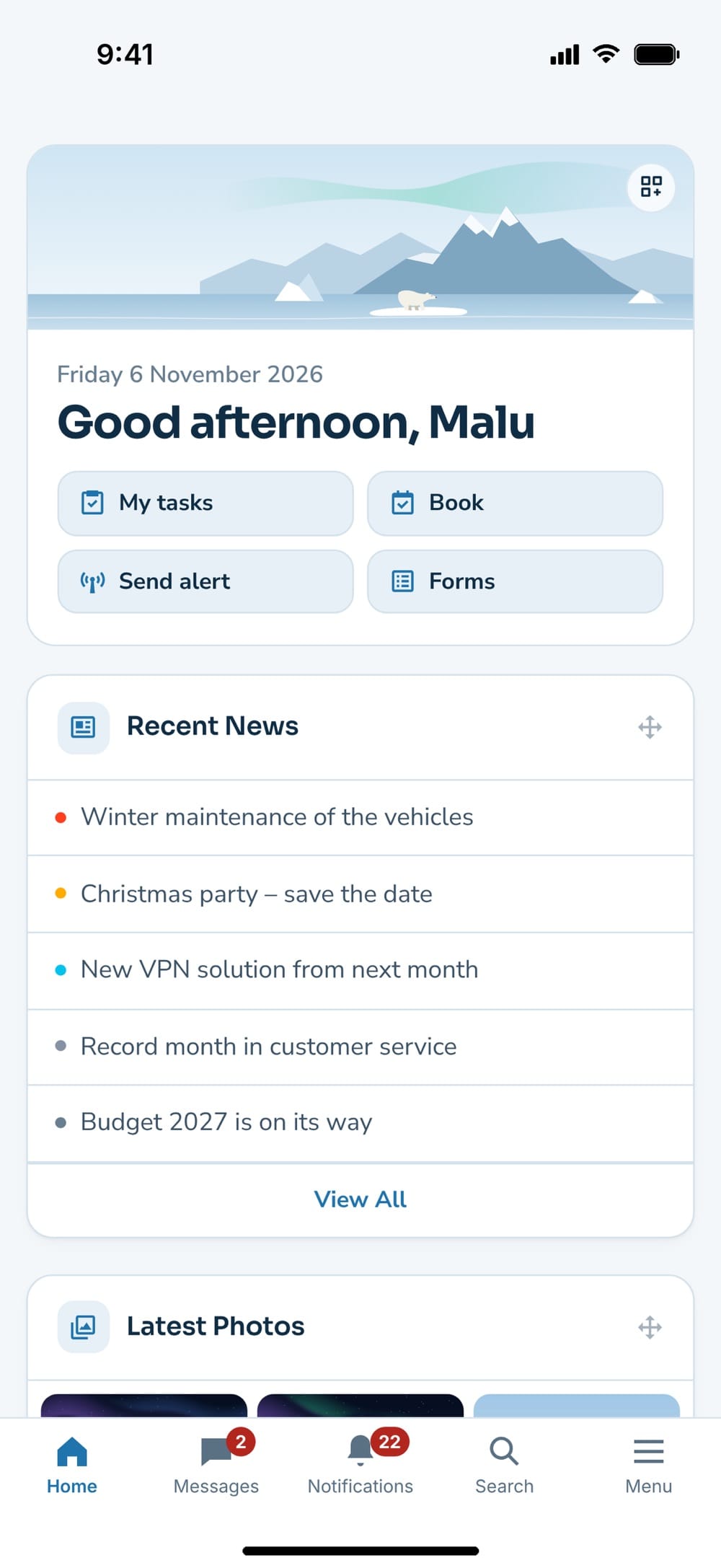
Messages, tasks and emergency alerts arrive as push notifications. One tap opens exactly what it is about, and the counts show on the tabs and the app icon.
Works offline too
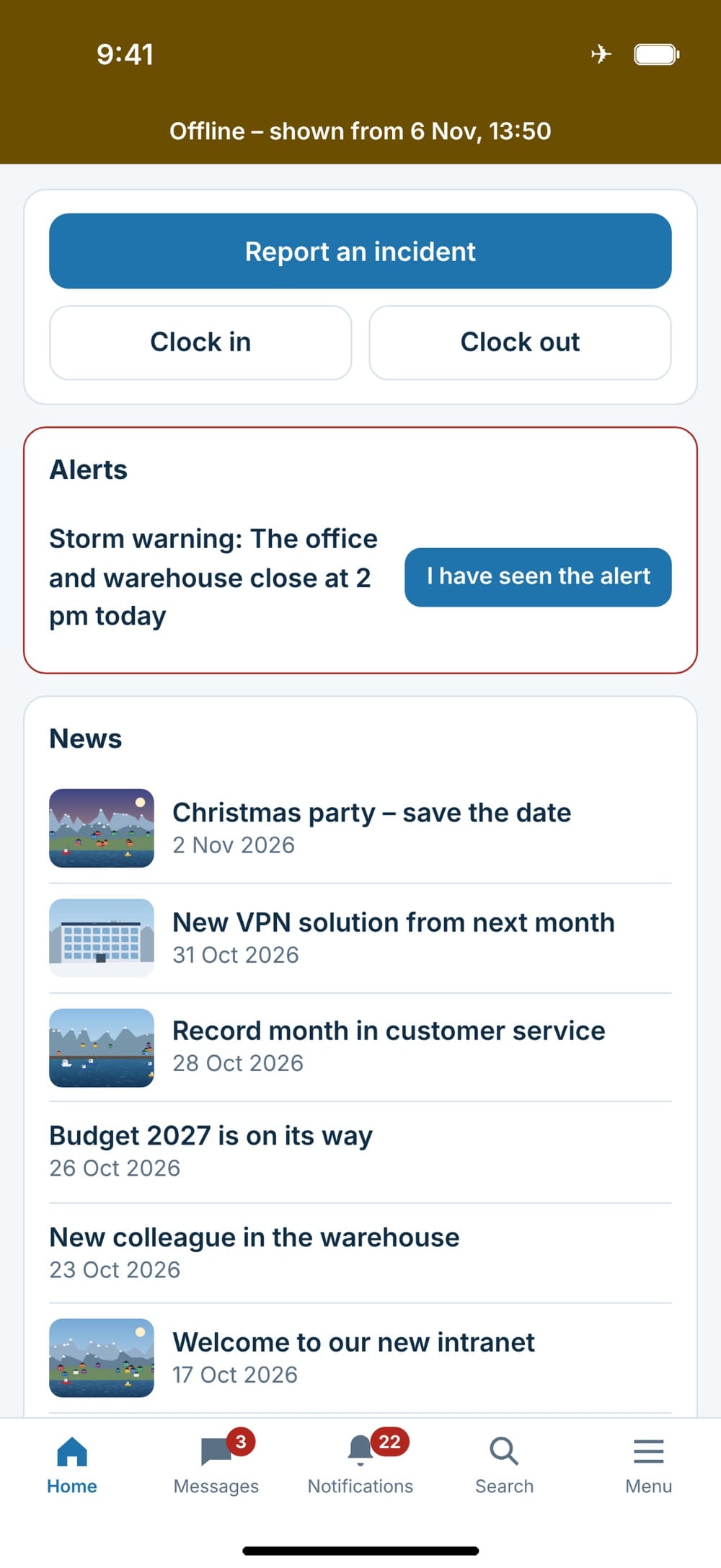
News, the knowledge base, contacts, my tasks, shifts and emergency alerts are kept on the phone – for the mountains, the boat and the plane.
Actions that wait
Clock in and out, acknowledge an emergency alert or report an incident with photos without a connection. It is sent when the phone is back online.
Share from the phone
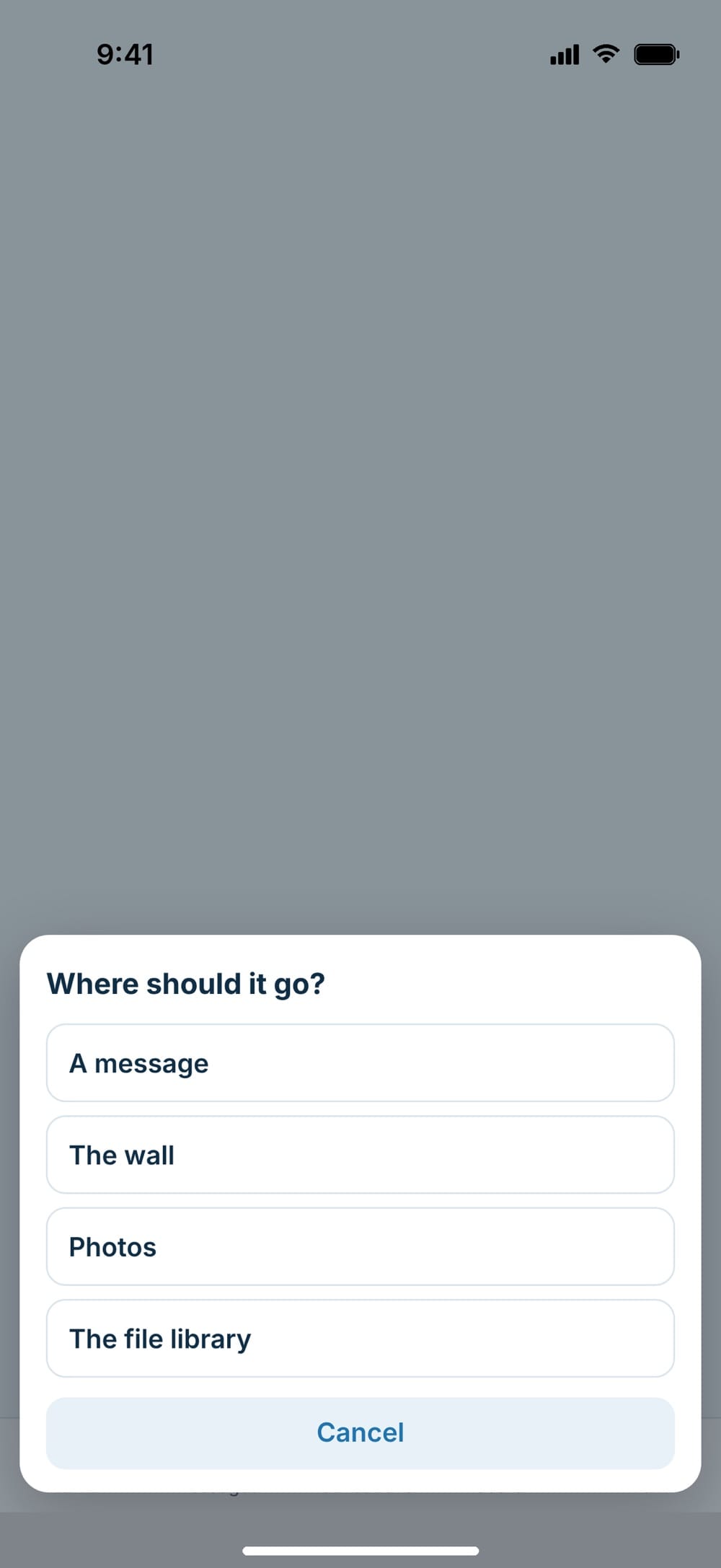
Share photos and files from Photos or another app straight to Messages, the Wall, Photos or the File library.
Locked and encrypted
The app can be locked with Face ID, fingerprint or a code, and you can require it. Files saved for offline use are encrypted on the phone.
Emergency alerts that get seen
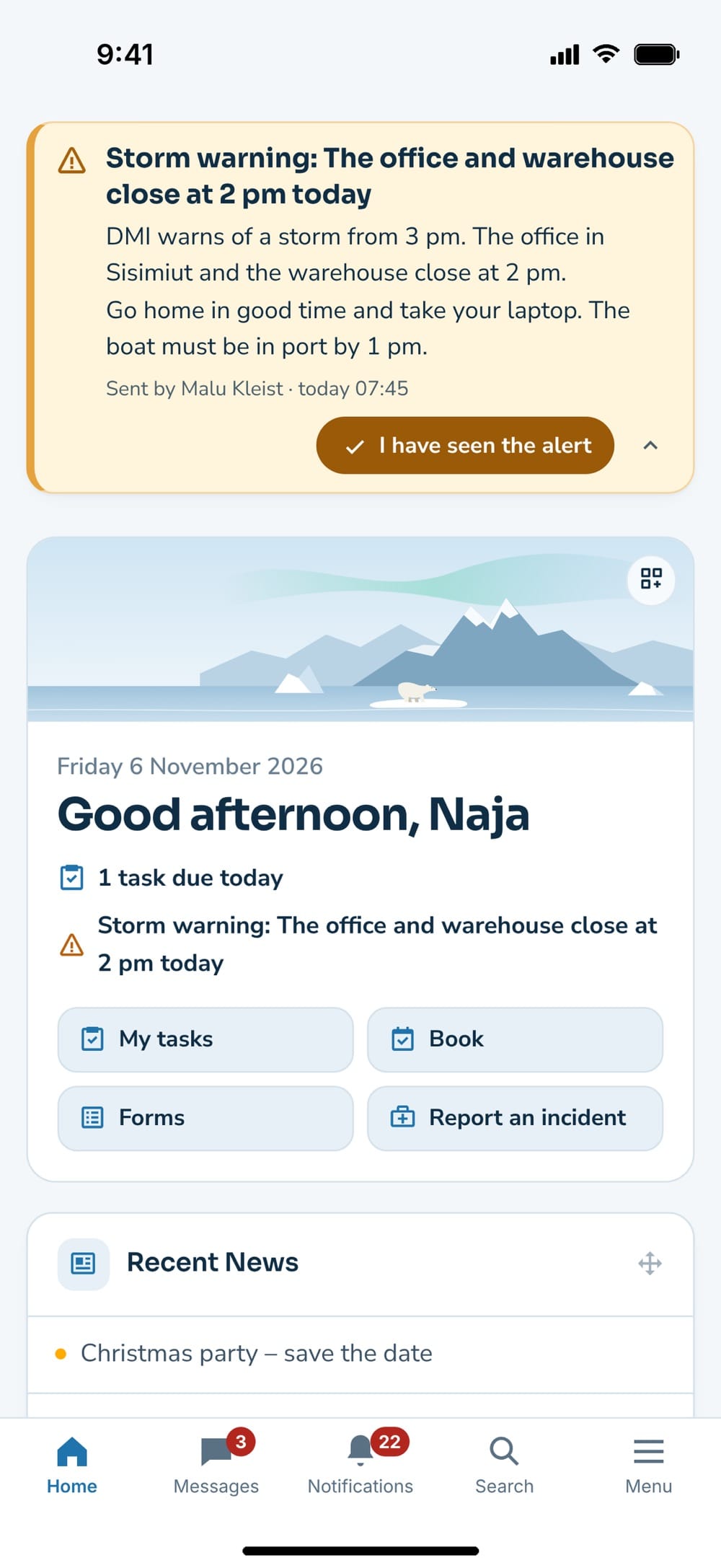
Storm, power cut or a closed harbour: the alert arrives as a push notification – also through Focus on iPhone – and stays at the top of the home screen until the employee acknowledges it with one tap. That works offline too; the acknowledgement is sent as soon as the phone has a connection. On the intranet, the manager sees who has seen the alert.
From the camera to the intranet
Take a photo on site and share it from the phone’s Share menu. The app asks »Where should it go?« – a message, the wall, photos or the file library – and opens the page with the files ready. Nothing is sent until the employee taps send. If an employee has the app, the intranet shows »Open in the app« when a link from an email is opened on the phone.
Good to know: The app is free on the App Store and Google Play and included in the subscription. It runs on iPhone and iPad (iOS 16 or later) and Android 8 or later, and one app can connect to several Nanoq intranets. The module is off until you turn it on under Nanoq → Settings → Mobile app, and the intranet must run on https. Push notifications go through Arctic IT’s push service without names or text – the text is fetched from your own intranet. Read the app privacy policy.
See also
Notifications and app
The bell gathers everything – and each employee chooses pop-up, push and email.
Emergency alerts
Important messages that reach everyone fast – with acknowledgement.
Ready to try Nanoq?
Log in to the demo as a managing director, manager or employee and see how it all fits together.
Demo login: username malu, ane, naja, hans, nivi or kunuk (Greenlandic) – password Nordlys2026