Guides › Knowledge and files
Knowledge base
Guides, rules and answers to the questions that come up again and again – collected in categories so they are easy to find.
What the module does
The knowledge base is the company’s handbook: the staff handbook, IT guides, procedures and frequently asked questions.
- Articles sorted into categories.
- Its own search in the knowledge base – and the articles can also be found in the shared search.
- Categories can be locked to a department, for example a managers’ handbook.
For employees
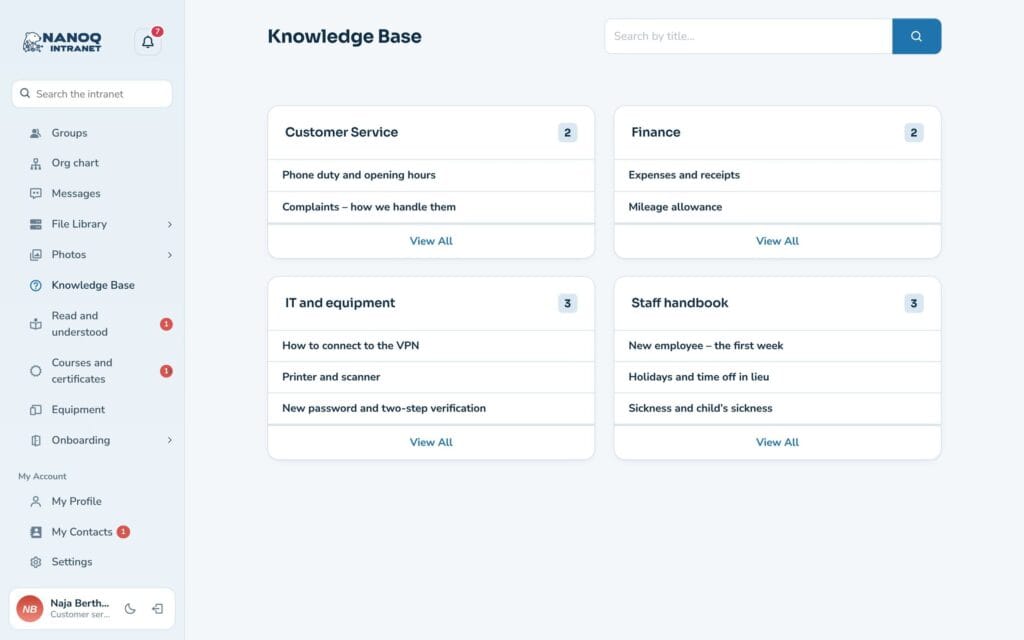
Click Knowledge Base in the menu. The front page shows the categories with the newest articles. Click View All to see all articles in a category, or search in the field at the top.
Write and maintain articles
Articles are written in WordPress under Nanoq Knowledge Base:
- Create a new article with a clear title.
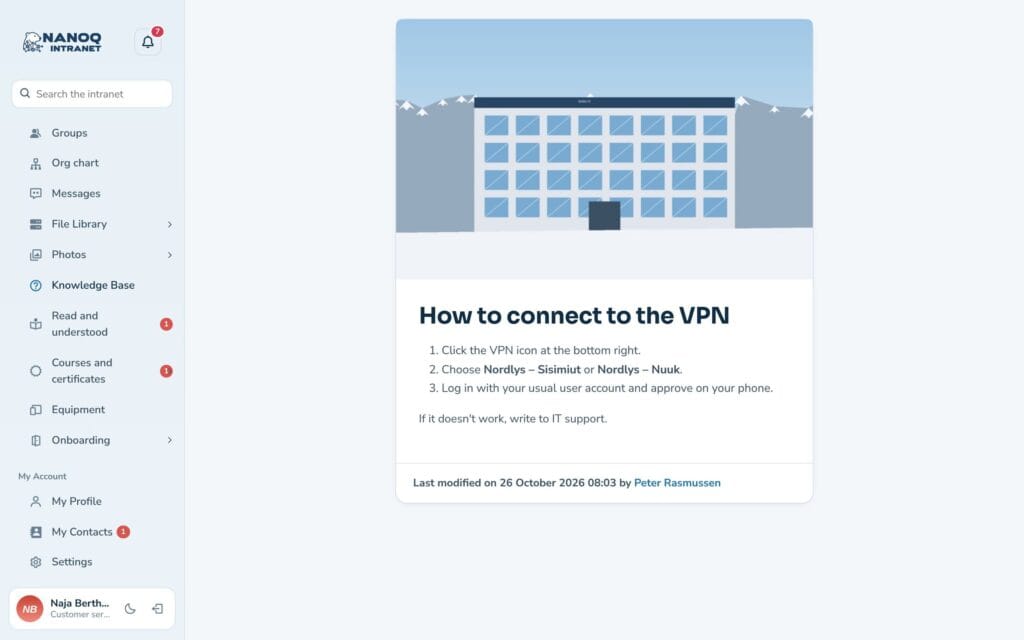
- Write the text in the editor – use headings, bullet points and images.
- Choose one or more categories.
- Publish.
Make one specific person responsible for each category, and put an annual review in the calendar. A handbook that isn’t kept up to date doesn’t get used.
Closed categories
A category can be locked to one or more groups in the Access (groups) field on the category. Only the members see the articles. If an article is in several locked categories, it is enough to be a member of one of the groups.
For administrators
Under Nanoq → Knowledge Base:
- Turn the module on/off.
- Restrict Access: roles that may not see the knowledge base.
- Number of articles per page, and which category is shown in the widget on the dashboard.
Good to know
- Articles can be shown on an ordinary page with
[nanoq_kb]. See Shortcodes. - Documents that need to be downloaded and edited (Word, Excel, PDF) belong in the File library. The knowledge base is for text you read on screen.