Communication
A click that says thank you
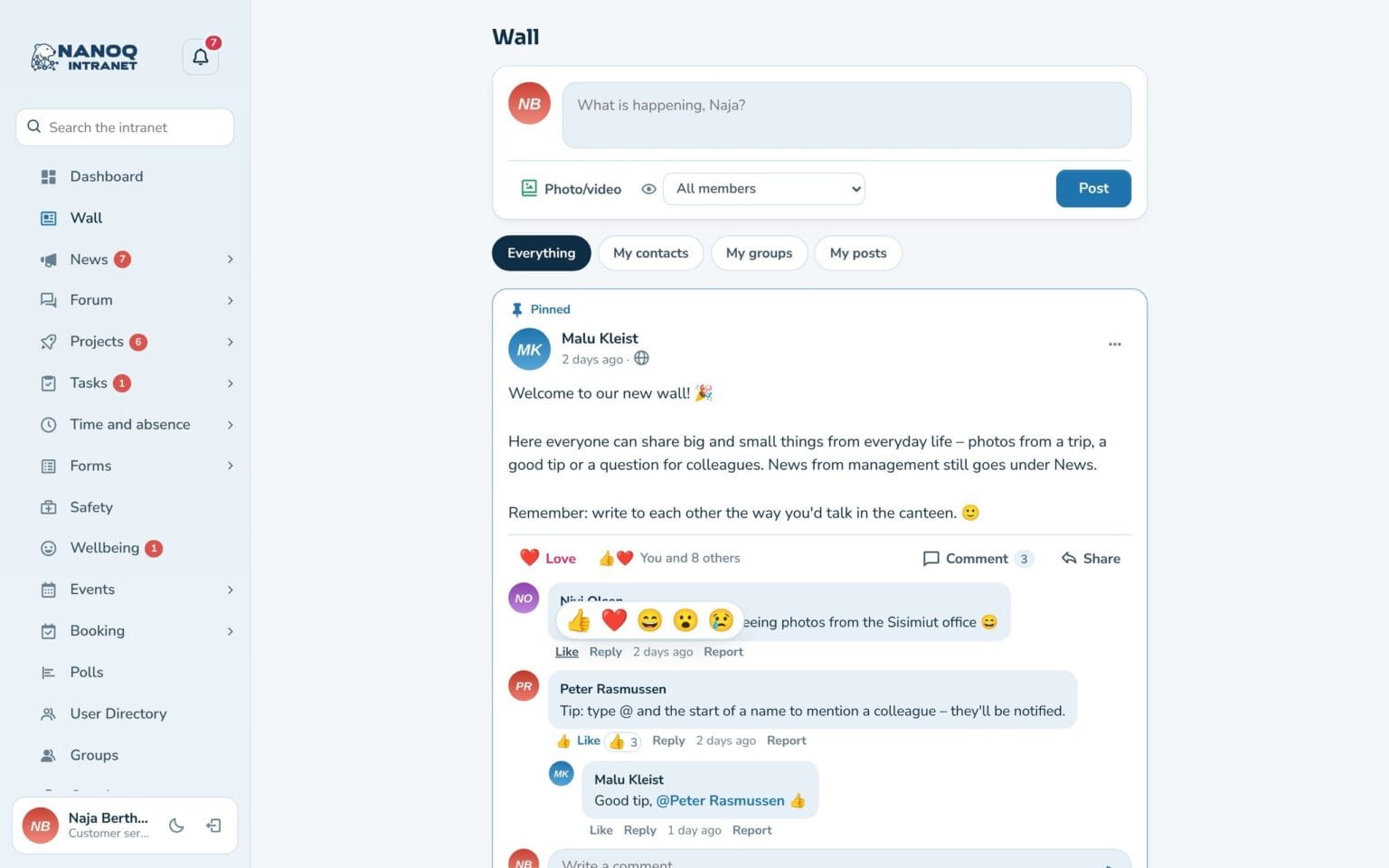
Like posts, comments, news, forum topics, photos and events – or choose love, haha, wow or sad. The author is notified, and everyone can see who has reacted.
What the module does
Small signs of appreciation – gathered in one place.
Everywhere
Posts, comments, news, forum topics, photos in the lightbox and events in the calendar.
Five reactions
Like, love, haha, wow and sad – hover over the button, or press and hold on the phone.
See who
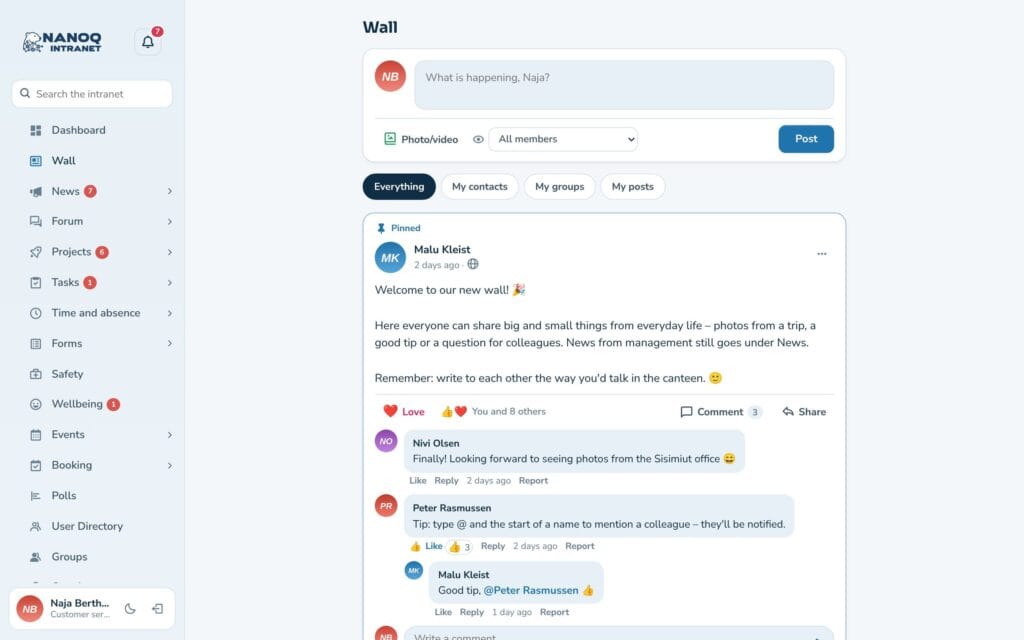
"You and 8 others" – click to see who has reacted.
One combined notification
The author gets one notification: "Anna and 2 others like your post".
Just the thumbs up?
Switch off the extra reactions if you only want the classic Like.
With the keyboard, too
Arrow up on the button opens the reactions, so it also works without a mouse.
Hover over the button
One click gives a Like. If you hover over the button – or hold your finger on it on the phone – you can choose a different reaction. Click again to remove it.
No stream of emails
Reactions are combined into one notification in the bell, and no email is sent by default. If a colleague removes their reaction and gives it again the same day, no new notification is sent.
Good to know: The module is off until you switch it on. It works together with the modules you have switched on: Wall, News, Forum, Photos and Events.
Ready to try Nanoq?
Log in to the demo as a managing director, manager or employee and see how it all fits together.
Demo login: username malu, ane, naja, hans, nivi or kunuk (Greenlandic) – password Nordlys2026