Security and compliance
A stolen password is not enough
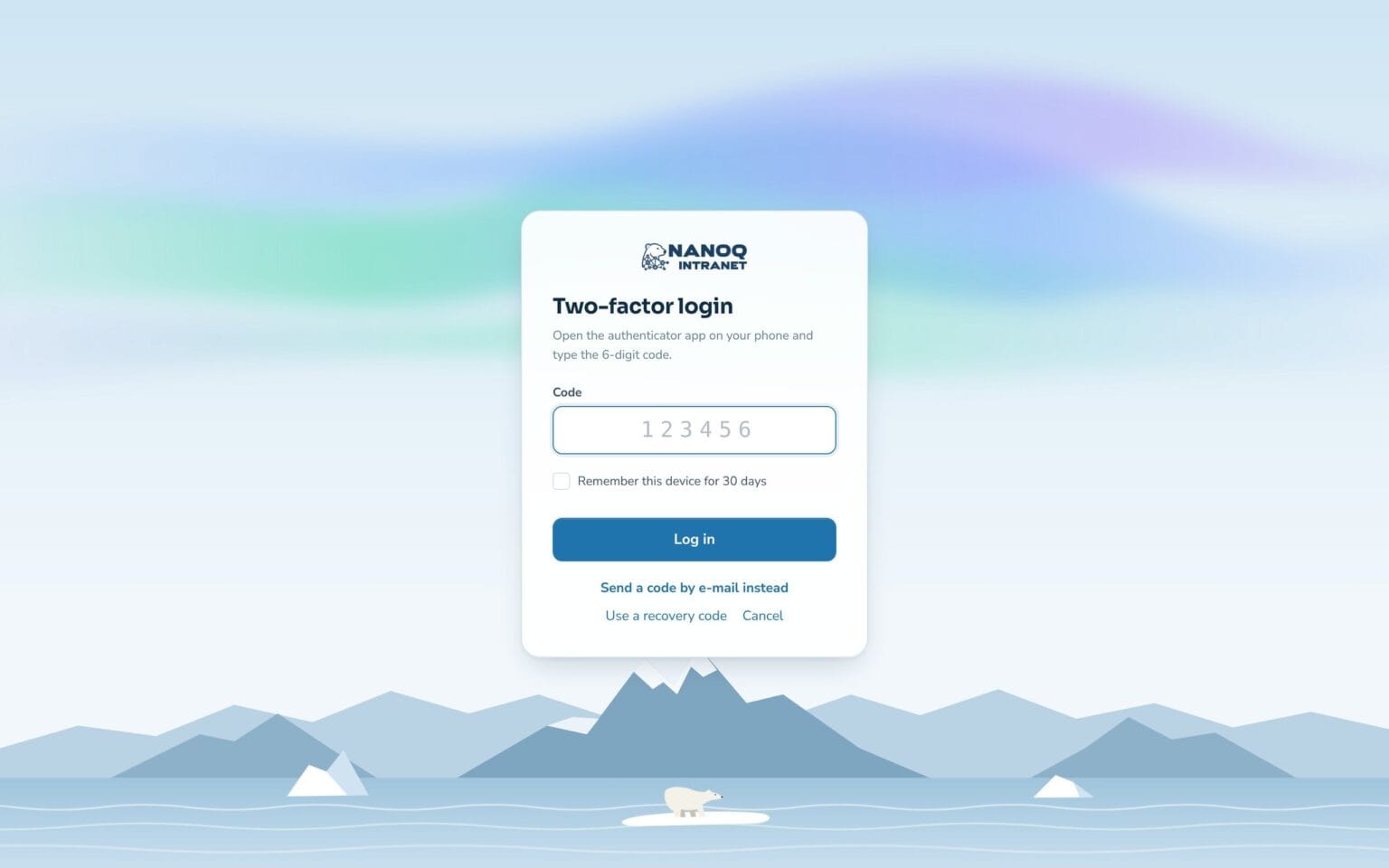
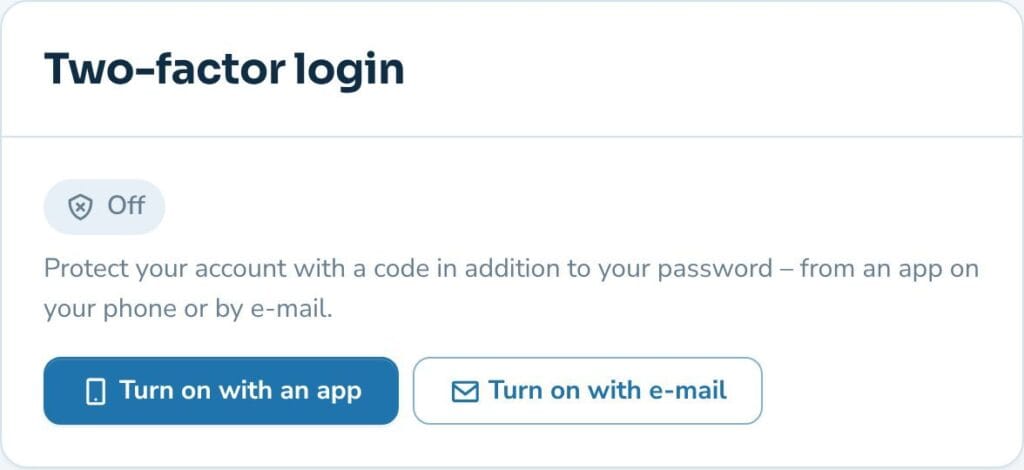
With two-factor login employees also have to enter a code from an app on their phone or from an email. You decide whether to use it, and who must.
What the module does
A code from an app or by email at login – so a stolen password is not enough.
App or email
A code from Microsoft Authenticator, Google Authenticator and others – or a one-time code by email.
Requirement per role
Require it for, say, administrators and managers – the rest choose for themselves.
Self-service setup
Employees scan a QR code under Settings – without help from IT.
Recovery codes
10 one-time codes in case the phone is lost – and the administrator can reset.
Remember the device
Skip the code on a known device for a number of days you choose.
Protected against guessing
5 attempts per login, and 10 wrong codes lock for 15 minutes.
Set up in a minute
Under Settings, employees scan the QR code with their app and enter the first code. Afterwards 10 recovery codes are shown, which can be saved or printed.
Manage it from WordPress
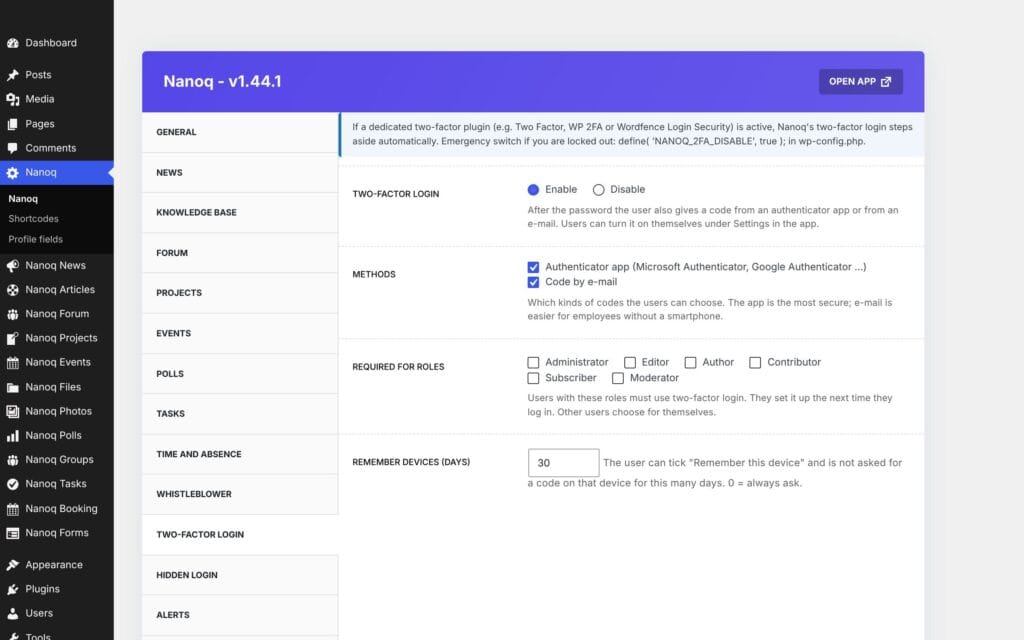
Switch the module on, choose whether app, email or both may be used, and which roles must use it. If you already have another two-factor plugin, Nanoq automatically steps aside.
Good to know: Two-factor login is off until you switch it on. It covers both the intranet’s login and the WordPress admin.
See also
Whistleblower scheme
Anonymous reports with a case number and key – only the appointed case handlers can see them.
GDPR and former employees
Anonymise employees who have left – personal data is deleted, the work stays.
Ready to try Nanoq?
Log in to the demo as a managing director, manager or employee and see how it all fits together.
Demo login: username malu, ane, naja, hans, nivi or kunuk (Greenlandic) – password Nordlys2026