Foundation
New users without manual work
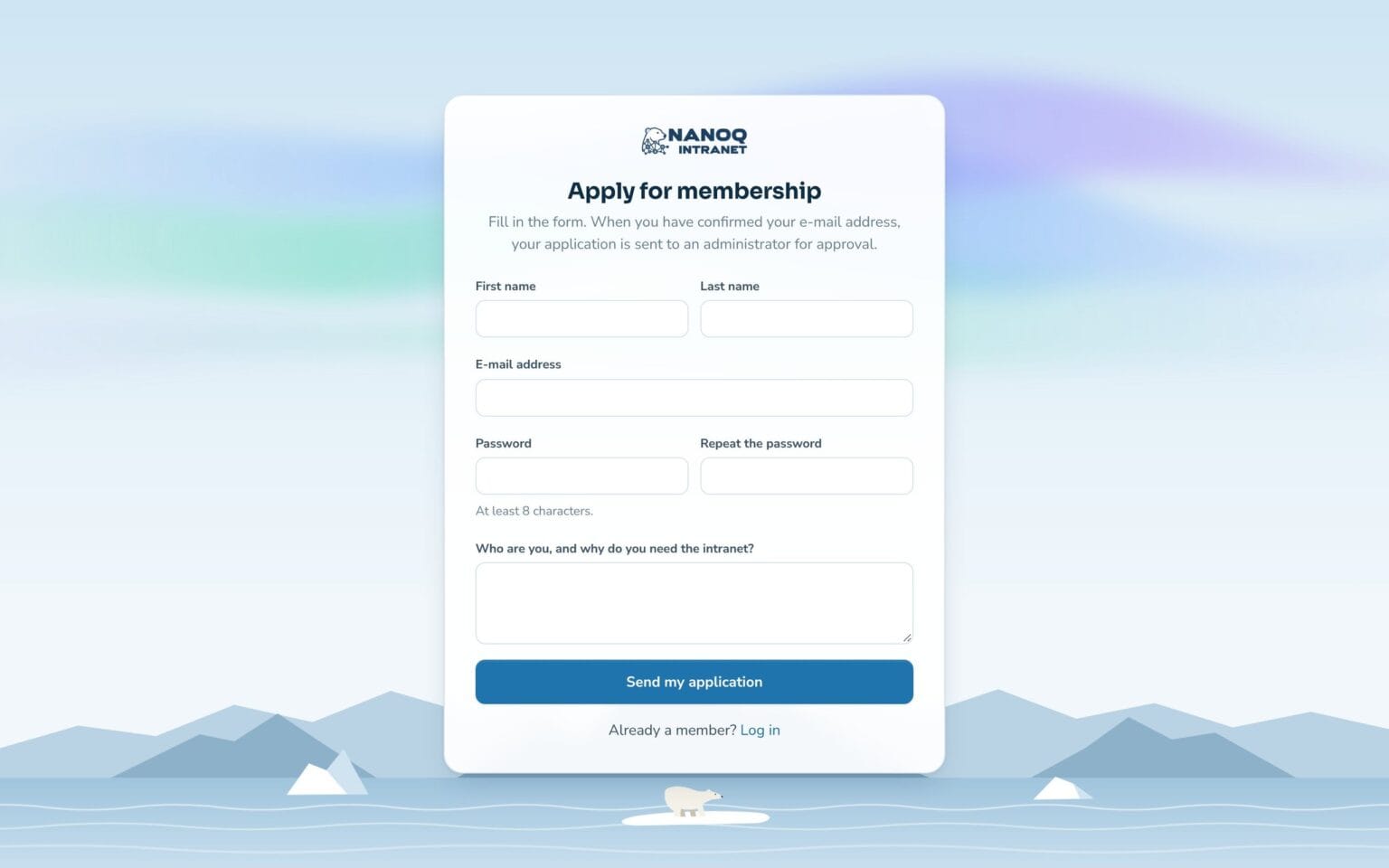
Let new employees, temps or external people apply for access on a registration page – or send invitations by email. Administrators and moderators approve, and users can download their data and delete their account themselves.
What the module does
From invitation to approved user – with email confirmation and rules.
Three ways
Open registration, application with approval or by invitation only.
Invitations
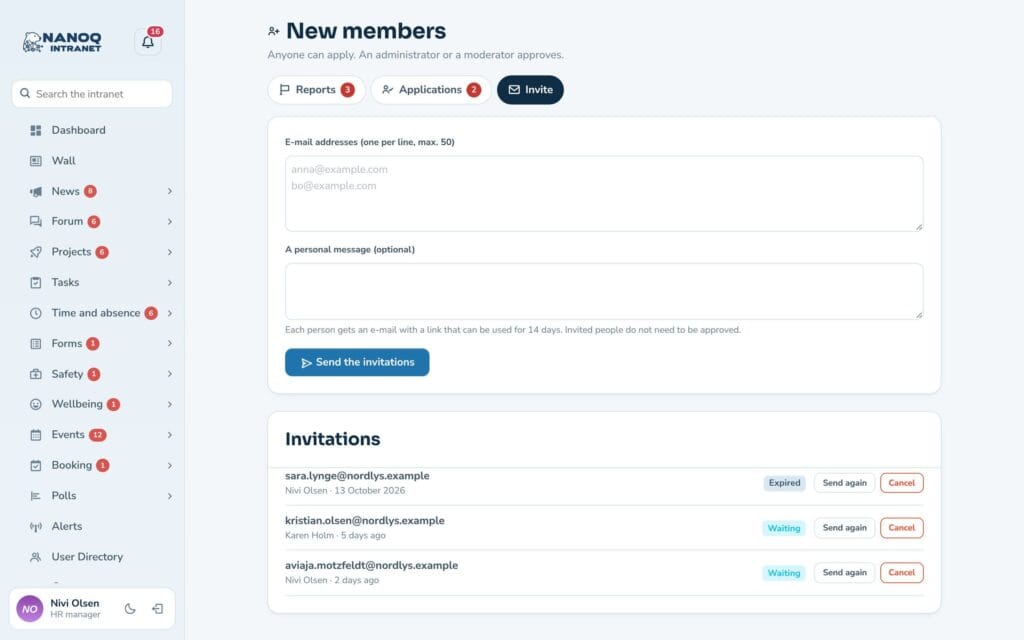
Send up to 50 invitations at a time with a personal message. The link works for 14 days.
Confirmed email
Everyone confirms their email address before they can log in – except those who were invited.
Terms and questions
Show your rules or privacy policy, and ask the applicant a question.
Protected against spam
Hidden field, time stamp and a limit per network – and existing addresses are not revealed.
Own data and own account
Users can download their data and delete their account (GDPR).
Approve with one click
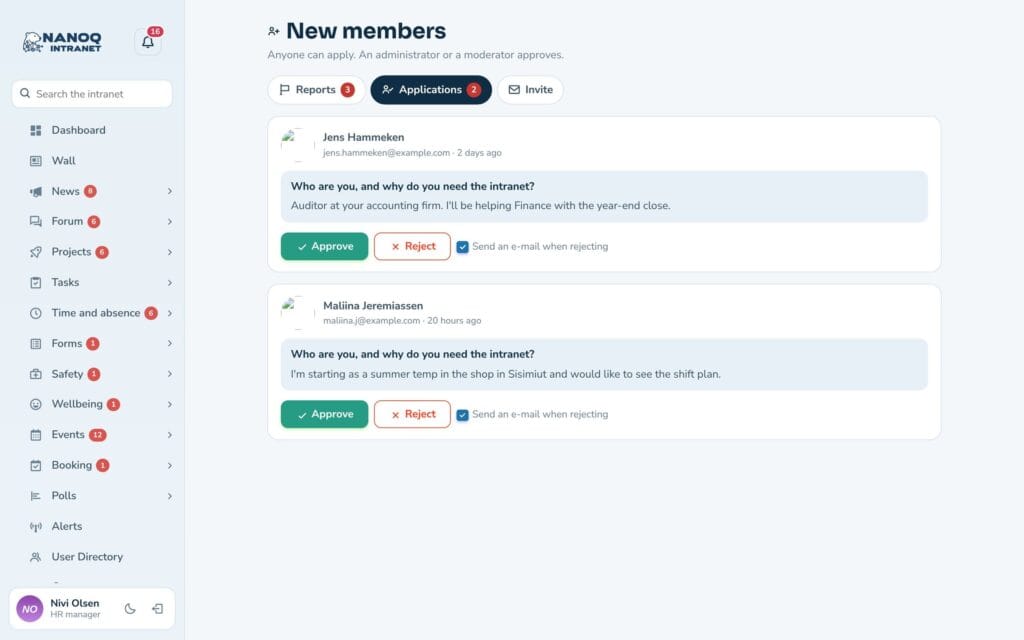
Under New members you’ll find the applications with the answers to your question. Approve, or reject with an email to the applicant. The registration page looks like the login page, and new users get the role you choose – never an administrator role.
Invitations and own data
Under Invite you send invitations to up to 50 addresses at a time and can see whether they have been used, are waiting or have expired. If “Members manage their own account” is switched on, each user can download their data and delete their account under Settings.
Good to know: The module is off until you switch it on – until then only administrators create users. “Members manage their own account” is a separate setting. Unconfirmed accounts are deleted after 7 days, and WordPress’s own registration should be switched off.
See also
GDPR and former employees
Anonymise employees who have left – personal data is deleted, the work stays.
Moderation
Report posts, comments, forum replies, news and photos, and handle it all in one place – with word filter, blocking and log.
Ready to try Nanoq?
Log in to the demo as a managing director, manager or employee and see how it all fits together.
Demo login: username malu, ane, naja, hans, nivi or kunuk (Greenlandic) – password Nordlys2026