Communication
A shared place for everything that isn't news
The wall is the intranet’s notice board: photos from the trip, a good tip, a question for colleagues or a post for your department. With comments, @mentions, video and sharing – and each employee decides who sees the post.
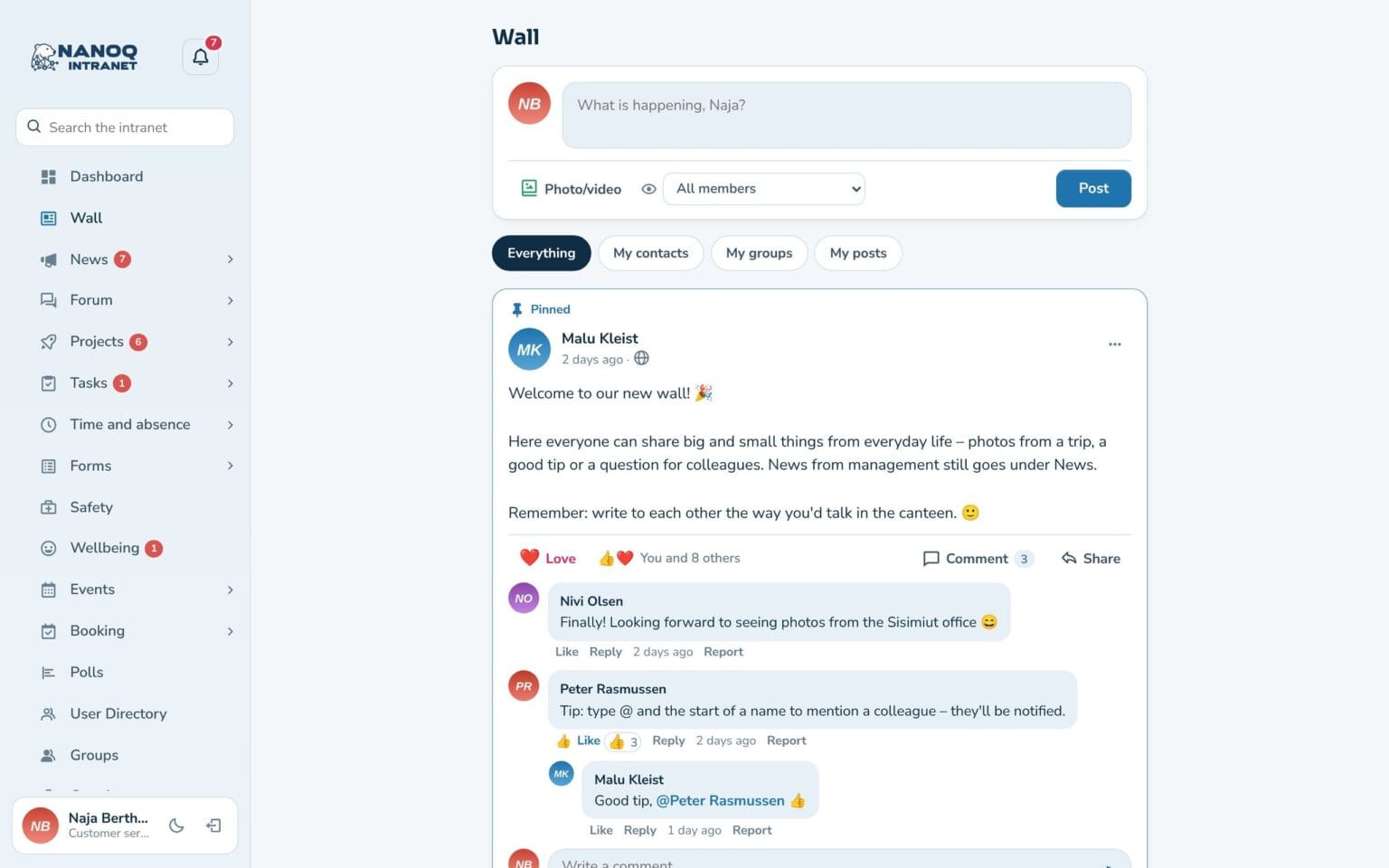
What the module does
Everyday life on the intranet – without drowning out the news.
Posts with photos and video
Up to 10 photos or one video per post. Location and camera data are removed from the photos.
You choose who sees it
All employees, your contacts, a group or only you – and optionally public on the website.
Comments and @mentions
Comment and reply, and mention a colleague with @ – so they are notified.
Walls on groups and profiles
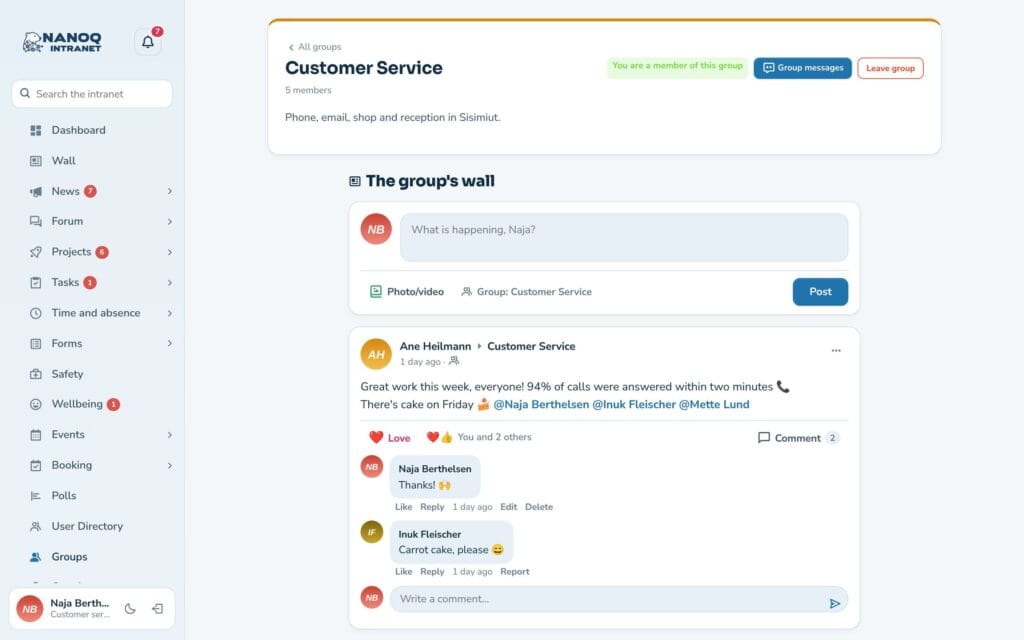
Each group has its own wall – and on a colleague's profile you can write directly on their wall.
Share and pin
Share a post with your own text, and see how many have shared it. Important posts can be pinned to the top.
Links and YouTube
Links get a card with title and picture, and YouTube and Vimeo play directly – only when you press play.
The group's own wall
Members of a group write directly on the group’s page, and the posts are only seen by the group. The profile shows the employee’s own posts – the ones the reader may see. And the wall can be the intranet’s start page, or it can sit as a menu item next to the dashboard.
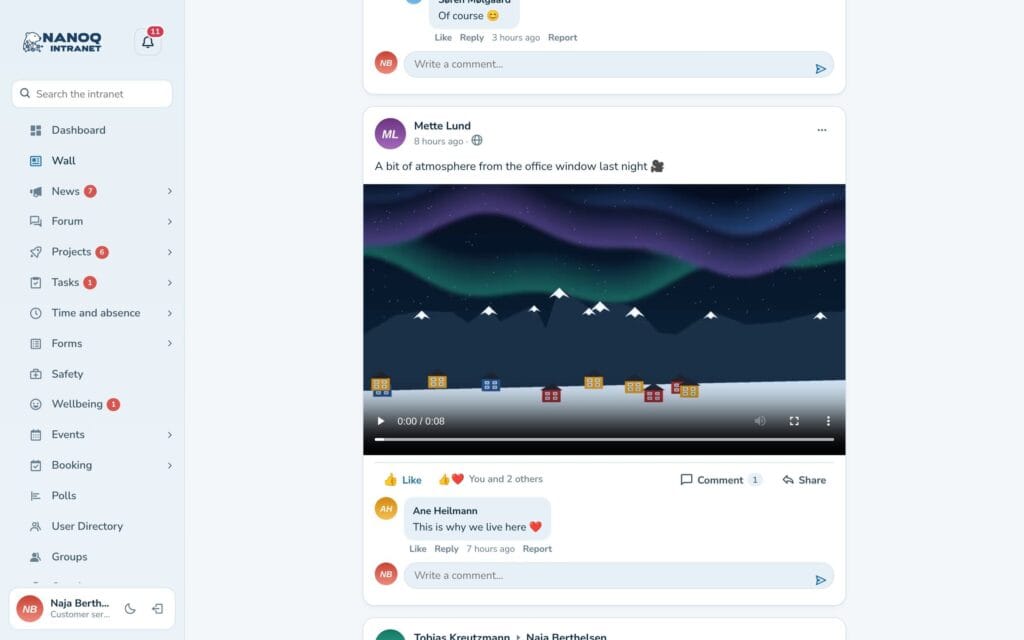
Video, links and sharing
MP4 and WebM videos play directly in the post, links get a card with title, text and picture, and a post can be shared on with your own text. Posts can also be marked as public and shown on your website with a shortcode.
Good to know: The module is off until you switch it on. The wall updates itself while it is open – new posts are shown with a button, and new comments appear by themselves. Photos and videos are stored in a protected folder and are only shown to those allowed to see the post. With the Moderation module, posts and comments can be reported.
Ready to try Nanoq?
Log in to the demo as a managing director, manager or employee and see how it all fits together.
Demo login: username malu, ane, naja, hans, nivi or kunuk (Greenlandic) – password Nordlys2026