Collaboration
Find the right colleague
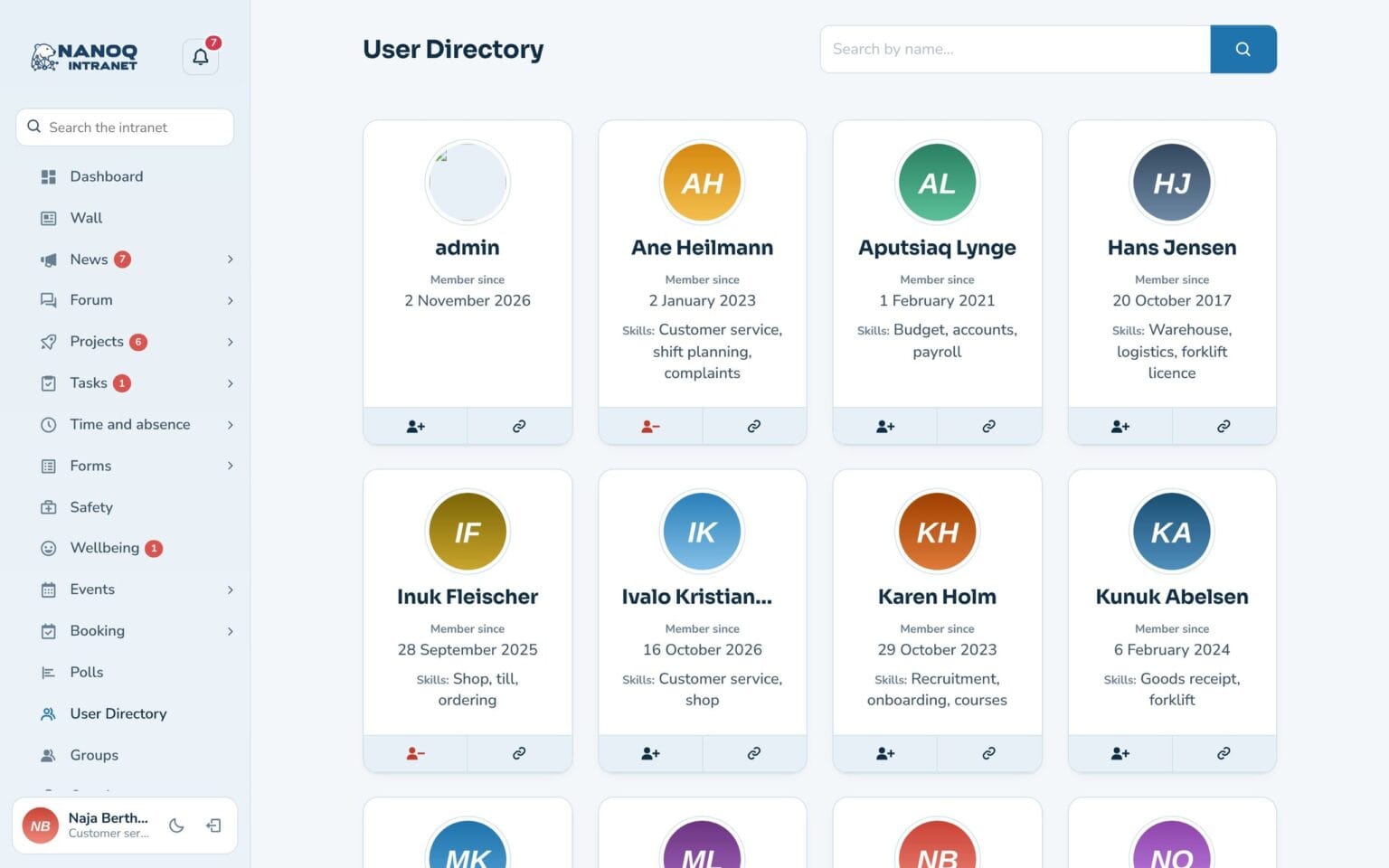
The member directory shows everyone with profile picture, job title and skills. With custom profile fields you can collect the information that suits your workplace.
What the module does
Member directory, profiles, profile fields and contacts – find the right colleague.
Member directory
Search by name, job title and fields such as skills and languages – and sort by who was last active.
Profiles
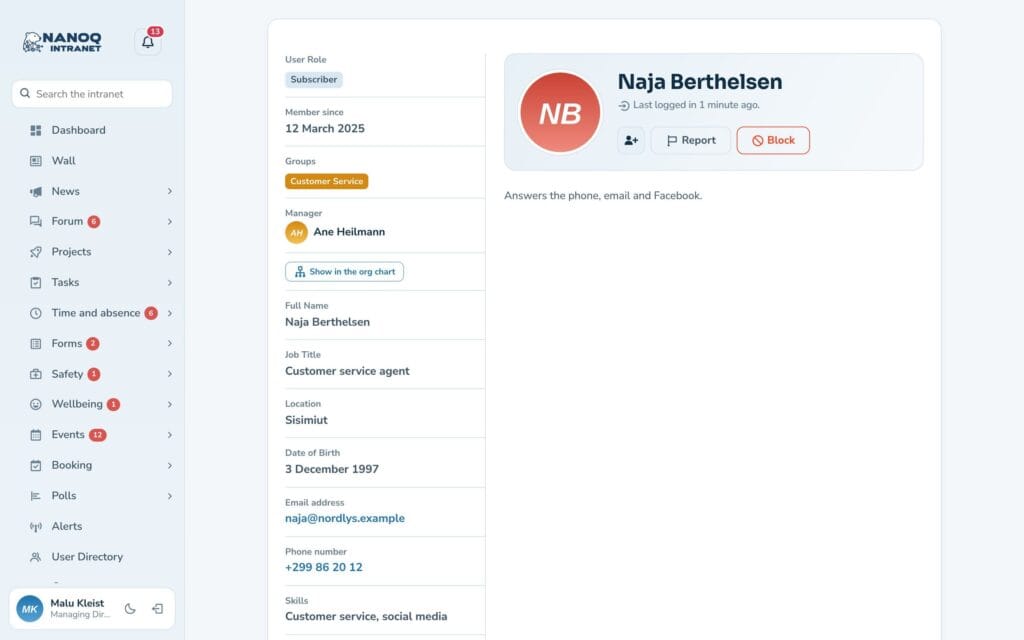
Role, departments, phone, email and when the person was last active.
Custom profile fields
For example skills, languages, LinkedIn or driving licence.
You decide
Every employee chooses who may see each field.
Contacts
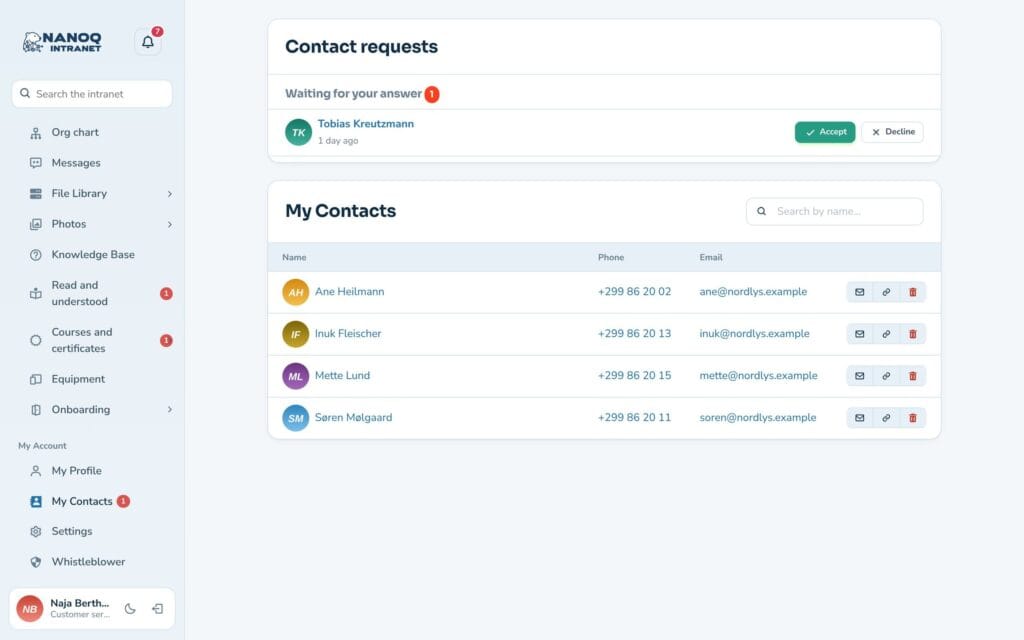
Send and accept contact requests.
Profile picture
Upload it yourself – the picture is cropped automatically.
A profile that fits your organisation
The administrator creates the fields, and employees fill them in themselves. Visibility can be public, all members, my groups, my contacts or only me. By default only administrators and HR see when a colleague was last active – it can be opened to everybody or turned off.
Contacts by request
You only become contacts when the other person has said yes. Contacts can message each other and see the fields that are only shared with contacts.
See also
Groups and access
Departments with managers and members that control who sees what.
Messages
Private and group conversations with attached files and pictures.
Ready to try Nanoq?
Log in to the demo as a managing director, manager or employee and see how it all fits together.
Demo login: username malu, ane, naja, hans, nivi or kunuk (Greenlandic) – password Nordlys2026