Guides › Security and compliance
Hidden login
Move the WordPress login to a secret address so bots cannot guess passwords.
What the module does
Every WordPress site has its login at /wp-login.php and /wp-admin/. Bots know this, and they try passwords around the clock. Hidden login moves the WordPress login to an address only you know.
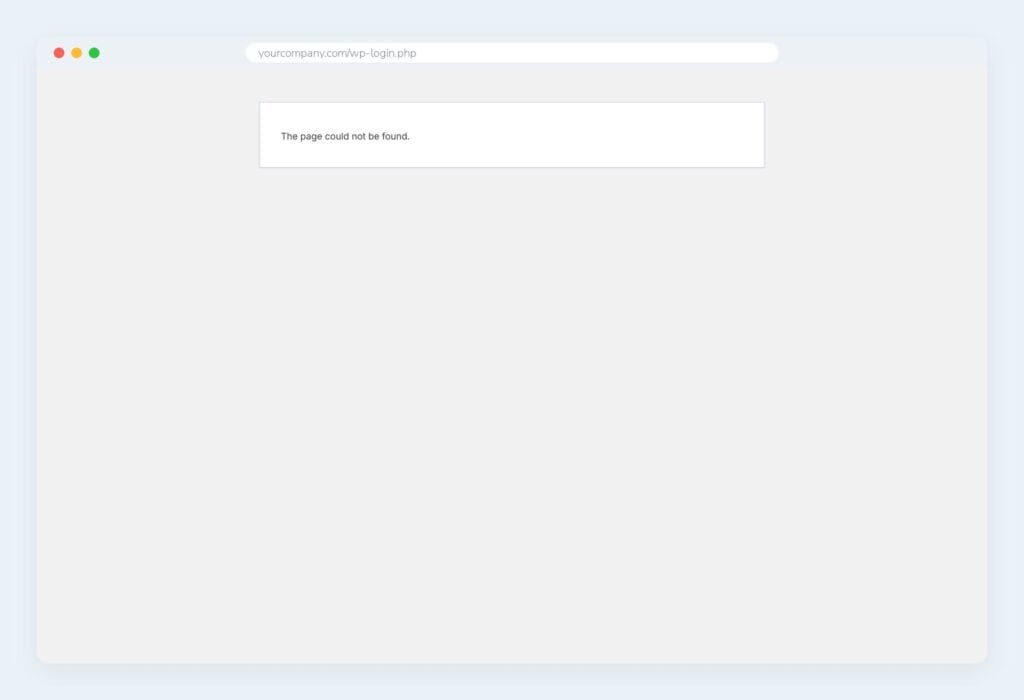
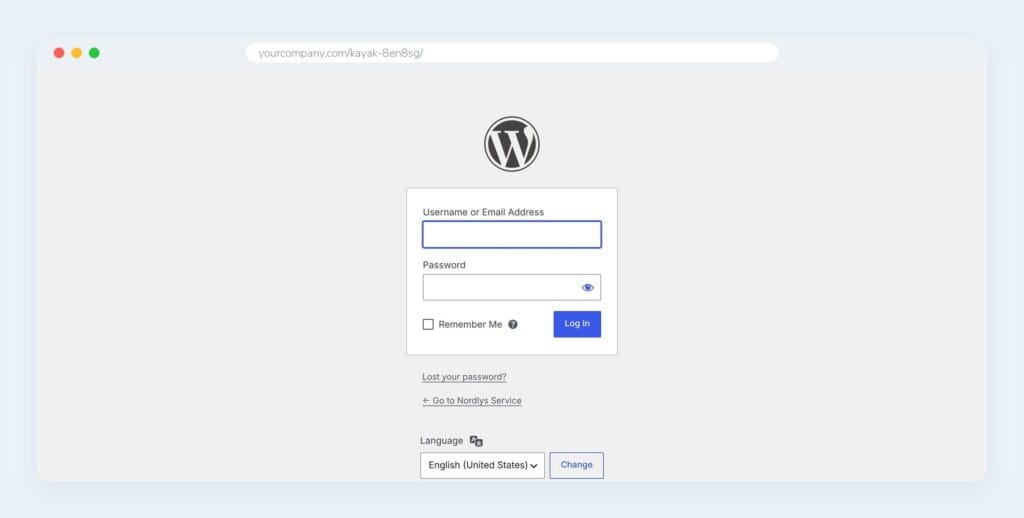
/wp-login.php,/wp-admin/and the shortcuts/login,/adminand/dashboardgive “Page not found”.- The login is at, for example,
https://your-site.com/kajak-8en8sg/. - All links from WordPress – including in emails and for a forgotten password – point to the new address.
Employees notice nothing
Employees log in on the intranet’s own login page as always. It doesn’t reveal the secret address. Two-factor login works as before.
The secret address is only for administrators and editors who need to get into WordPress.
Turn it on
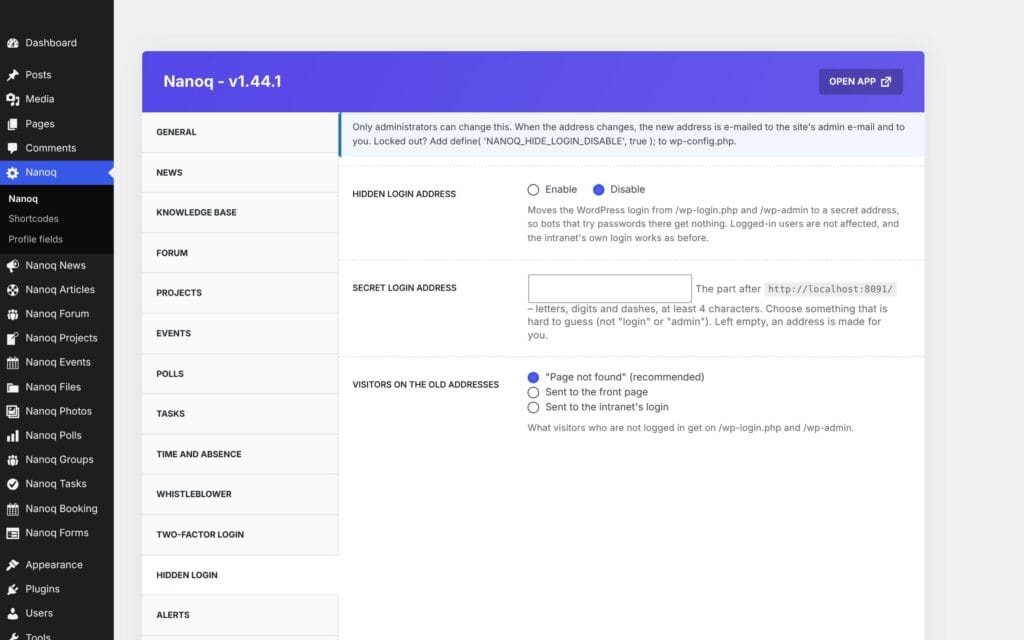
- Go to Nanoq → Hidden login in WordPress.
- Turn the module on.
- Write the secret address – letters, numbers and hyphens, at least 4 characters. If you leave the field empty, a random address is made.
- Choose what visitors to the old addresses should see: a 404 page (default), the front page or the intranet’s login.
- Save – and bookmark the new address straight away.
When the address is changed, or the module is turned on or off, an email with the address is sent to the site’s administrator email and to the person who saved.
Words like login, admin and wp-admin can’t be used. Spaces and special characters are converted (for example “My Secret Door” becomes my-secret-door).
Forgotten the address?
- It is in the email that was sent when it was saved.
- Otherwise the module can be turned off with this line in
wp-config.php:
define( 'NANOQ_HIDE_LOGIN_DISABLE', true );Good to know
- Hidden login also works if the licence expires – as do two-factor login and the limit on wrong passwords (see Two-factor login).
- If the site already uses another plugin to hide the login (e.g. WPS Hide Login), Nanoq’s module steps aside automatically. Deactivate the other plugin first if you want to switch.
- AJAX, the REST API, WP-Cron and password-protected pages work as before.
- If the theme or a plugin shows its own “Log in” link on public pages, it reveals the address. Remove the link, or let it point to the intranet.
- Combine with Two-factor login for the best protection.