Guides › Foundation
Administration and design
Modules, roles, design, activity log and the other settings the administrator controls from WordPress.
What the module does
Everything in Nanoq is controlled from WordPress by an administrator. Employees only see the app.
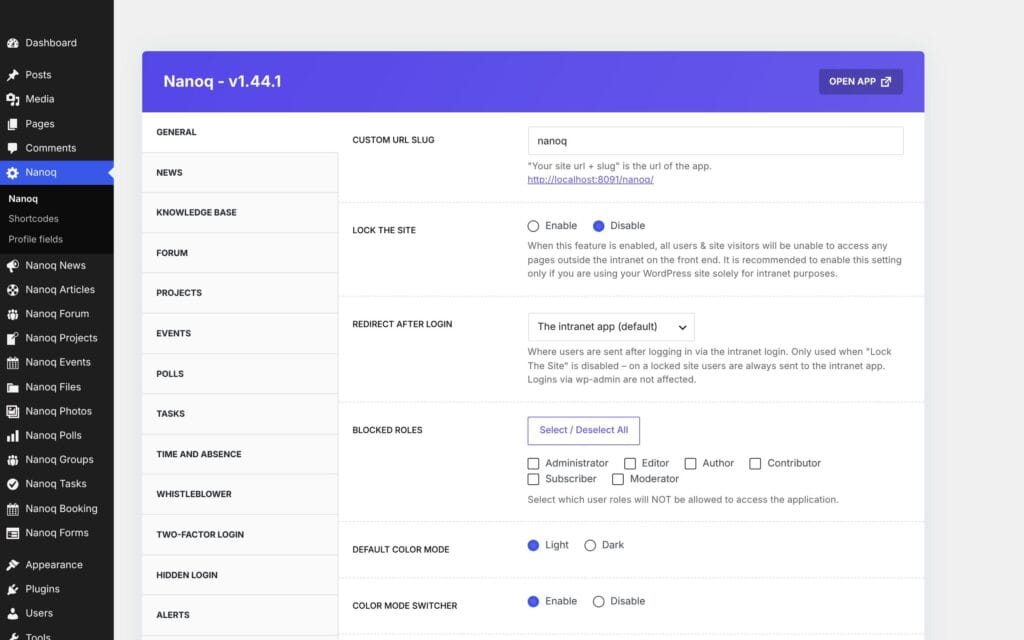
The settings
Go to Nanoq in the WordPress menu. The tabs:
| Tab | The most important |
|---|---|
| General | Address, Lock The Site, login redirect, design, logo, colours, notifications, push and app, language, demo mode, search, custom CSS |
| One module per tab | Turn on/off, Restrict Access, who may create, number per page |
| Custom Login | The intranet’s own login page: logo, layout and background |
| Activity Logs | Turn the activity log on/off |
| Whistleblower, Two-factor login, Hidden login | The security modules – off by default |
Remember to save at the bottom of the page.
Roles and access
Nanoq uses the WordPress roles (administrator, editor, author, contributor, subscriber). Each module has:
- Restrict Access – roles that may not see the module.
- Add … or upload – roles that may not create content.
Blocked Roles under General may not use the intranet at all. Administrators can always do everything. Finer access is controlled with groups.
Design
- Arctic (default): a light, calm design with sea-ice colours, a polar bear and northern lights, and a dark “polar night” mode.
- Classic: the original design.
Choose a logo for light and dark mode, a primary colour and whether employees may switch colour mode. If you have chosen a primary colour yourself, it is used unchanged.
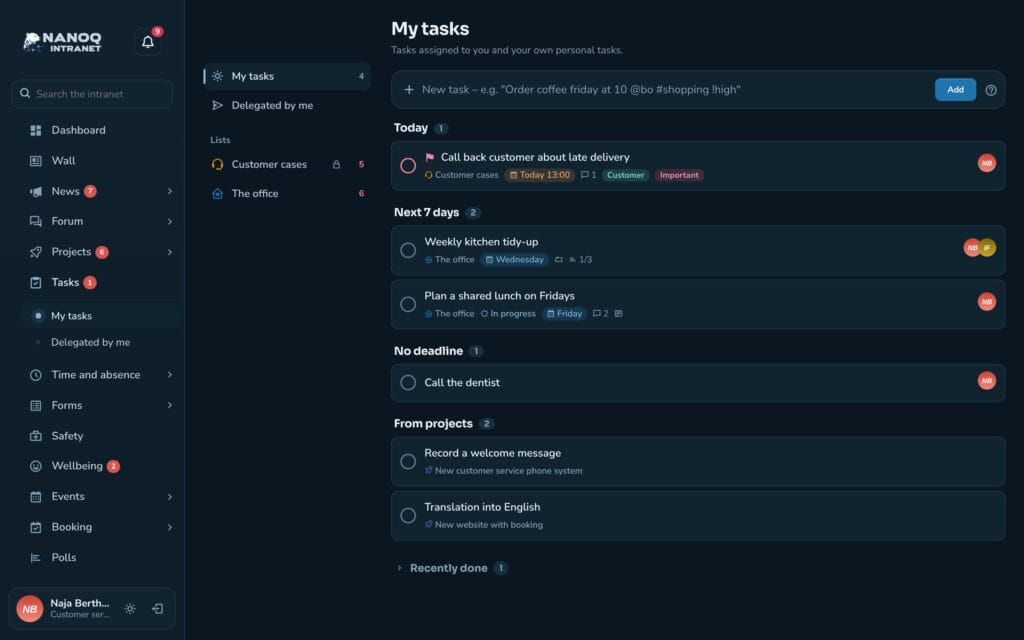
The login page
With Custom Login Form turned on, employees log in on the intranet’s own login page with northern lights and landscape instead of the WordPress standard page.
The activity log
Activity Logs in WordPress shows who did what: logins, uploads, downloads, changes, deletions, tasks and two-factor events. Use it if something has disappeared, or if you need to document access.
Time and absence are deliberately not logged, because they can be health information.
Profile fields and shortcodes
- Nanoq → Profile fields – your own fields on employees’ profiles. See People.
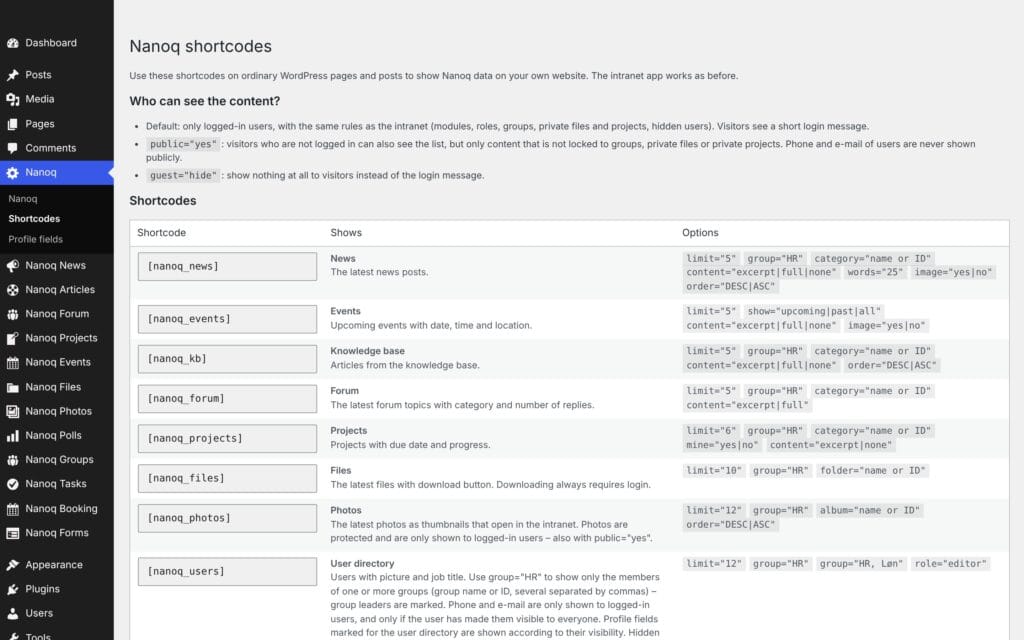
- Nanoq → Shortcodes – an overview of shortcodes for ordinary pages. See Shortcodes.
Demo mode
General → Demo Mode locks functions that change accounts (such as contacts and two-factor login), so a demo site can be shared with many people. Don’t use it on your real intranet.