Security and compliance
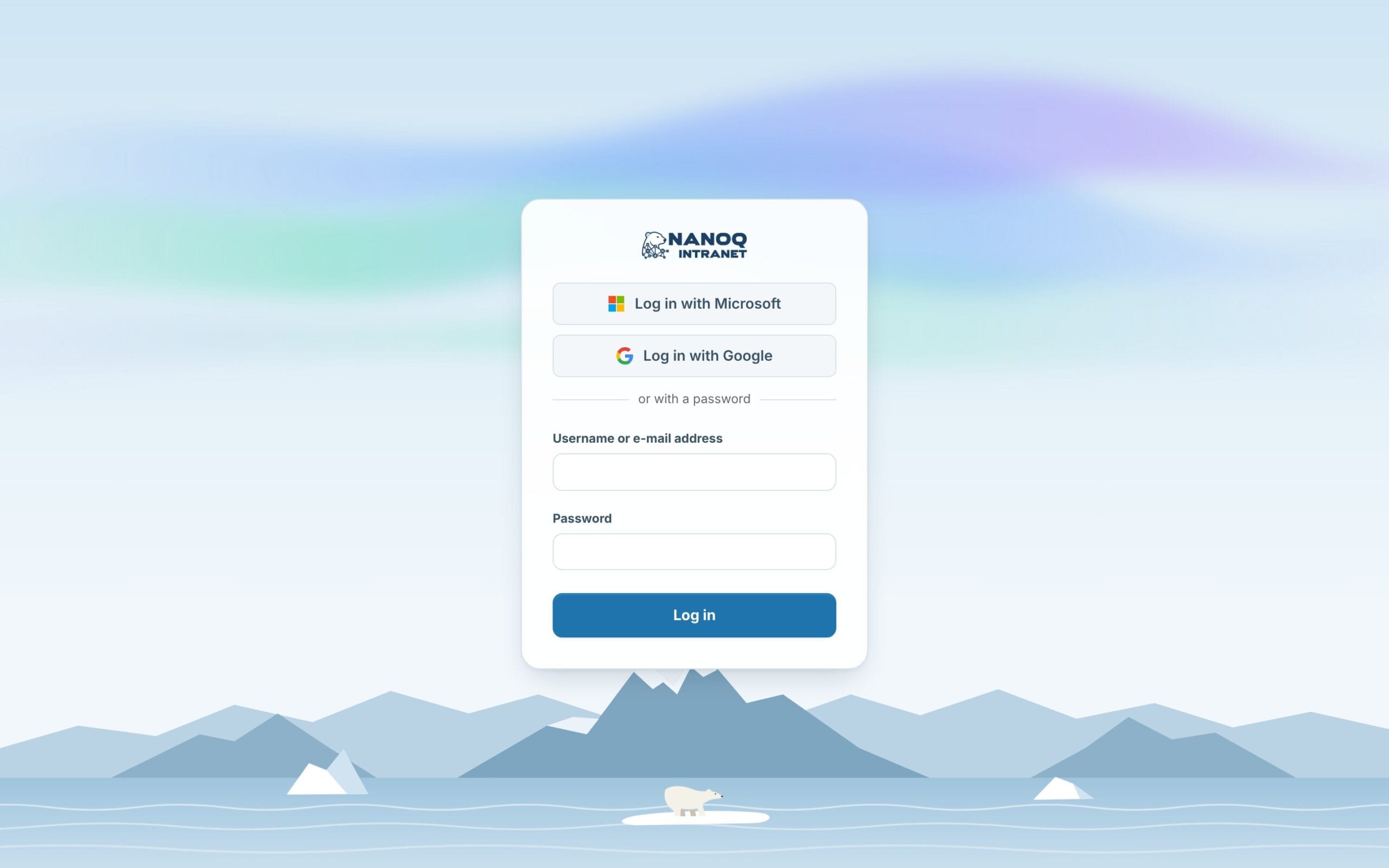
Log in with Microsoft or Google
Employees log in with their work account from Microsoft 365 or Google Workspace – no extra password to remember. The groups come along from Microsoft and Google, and anyone deleted there loses access to the intranet at once. Included in the price.
What the module does
One login for mail, documents and the intranet – with your own security rules at Microsoft or Google.
Log in with the work account
Buttons on the intranet's login page and on the WordPress login. Only your own organisation can get in.
Two-factor from Microsoft and Google
Authenticator, keys and your other rules apply – and passwords can be kept for administrators.
Groups that follow along
Nanoq groups are linked to groups in Entra ID or Google – as members or leaders and with a role.
Deleted = closed
Accounts deleted or switched off at Microsoft or Google are logged out and closed – also in the app.
Synchronisation on your schedule
Every 15 or 30 minutes, every 1, 3, 6 or 12 hours or at midnight – you choose.
Job title, phone and manager
Can be fetched from Microsoft or Google into the profiles and the org chart.
No password to remember
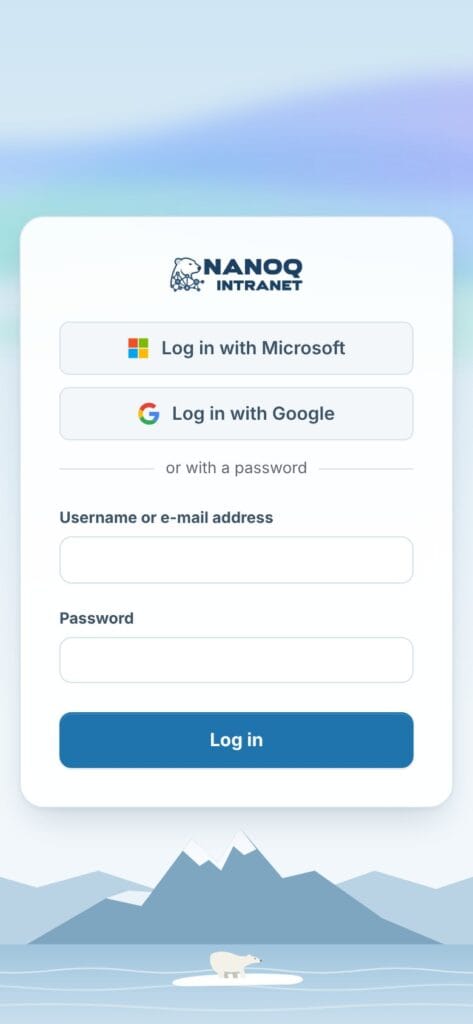
The employee taps Log in with Microsoft or Log in with Google and logs in as at Microsoft or Google. New colleagues can get a user at their first login with the role and groups you have chosen. The Microsoft button is in the Nanoq app too.
If an account is deleted or switched off, the login page says so clearly – and the person is logged out everywhere.
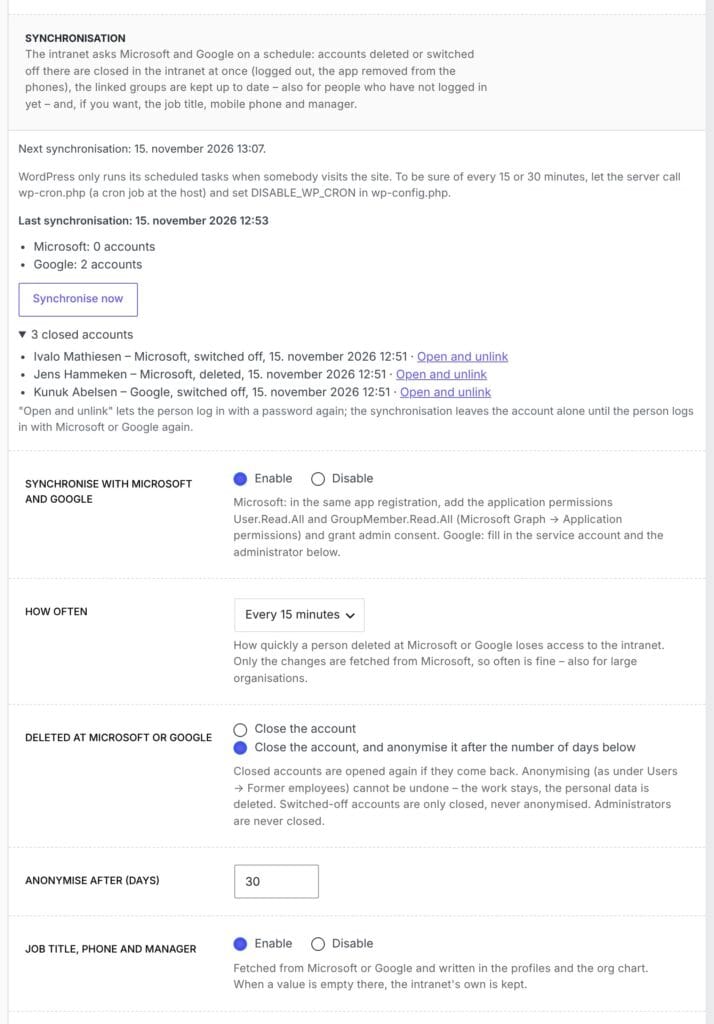
Deleted at Microsoft – closed in the intranet
The intranet asks Microsoft and Google itself on your schedule. From Microsoft only the changes are fetched, so even every 15 minutes is light. Accounts deleted or switched off are closed at once; if they come back, they are opened again. Deleted accounts can be anonymised after a number of days.
The tab shows the next and last synchronisation, the button Synchronise now and the closed accounts. Administrators are never closed, and if many are missing at once, nobody is closed until an administrator has confirmed it.
Good to know: The module is included in the price and off until you switch it on under Nanoq → Settings → Microsoft and Google. The intranet must run on https. Microsoft needs an app registration in Entra ID, Google an OAuth client and – for the synchronisation – a service account. If you have Uppik CRM on the same site, Uppik’s login with Microsoft or Google is used. See the guide.
See also
Two-factor login
A code from an app or by e-mail – for those who log in with a password.
Org chart
Managers and departments – now also with the manager from Microsoft or Google.
Ready to try Nanoq?
Log in to the demo as a managing director, manager or employee and see how it all fits together.
Demo login: username malu, ane, naja, hans, nivi or kunuk (Greenlandic) – password Nordlys2026