Foundation
Nobody misses what concerns them
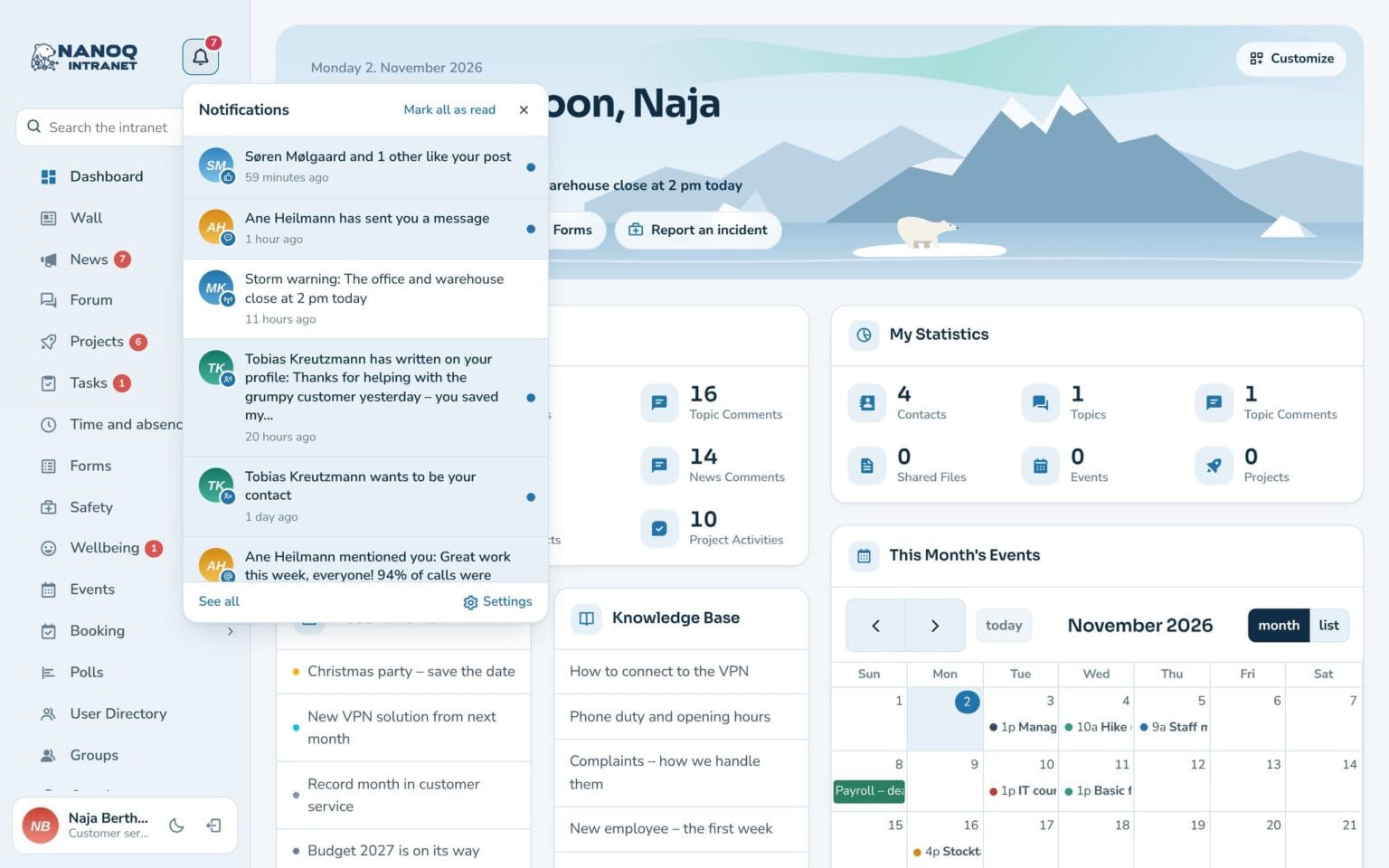
The bell gathers everything that happens on the intranet. A pop-up when you’re there – a push notification on the phone when you’re not. And with the Nanoq app for iPhone and Android, employees have the intranet in their pocket.
What the module does
The right message, in the right way – chosen by the employee.
The bell gathers everything
Messages, tasks, comments, news and leave requests – with an unread count and one click straight to the item.
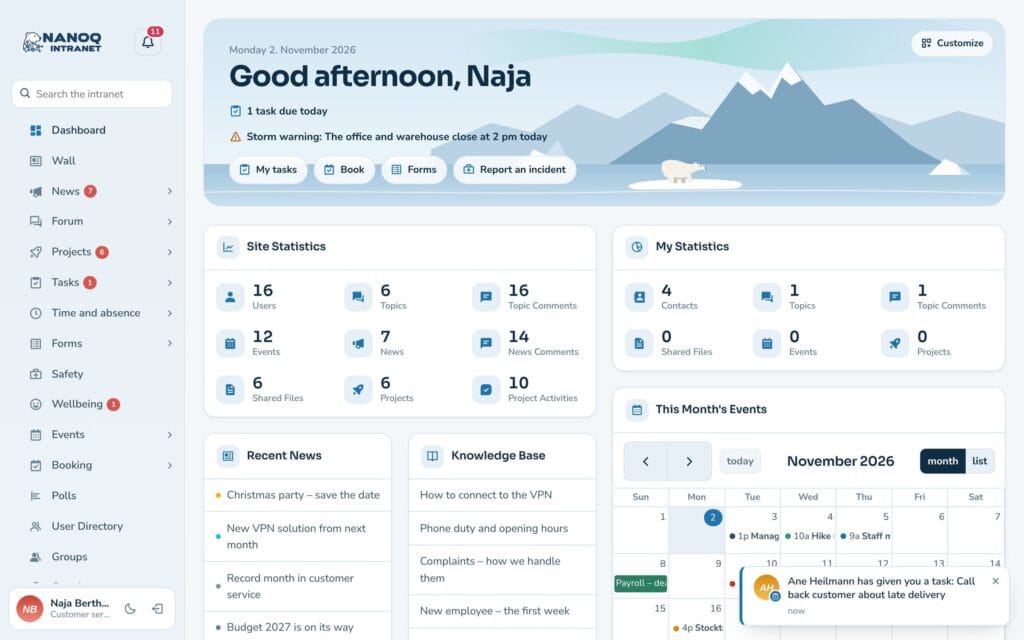
Pop-up in the corner
A small box pops up when something new happens while you're on the intranet.
Push on the phone
Notifications on phone and computer when the intranet is closed – on iPhone too.
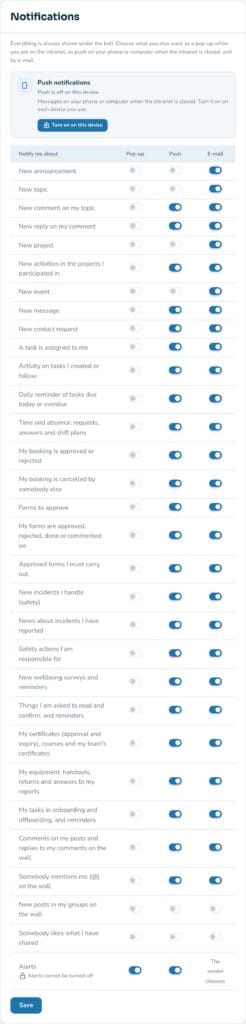
Everyone chooses
Pop-up, push or email for each type. Everything always appears under the bell.
Fewer emails
Only send email about what the employee hasn't already seen on the intranet.
The Nanoq app
Free app for iPhone and Android with push, tabs and the essentials offline – or add the intranet to the home screen.
News while you work
If a message or a new task arrives while the employee is on the intranet, it appears as a small pop-up in the bottom corner. It disappears by itself – and is always under the bell afterwards.
Each employee decides
Under Settings each person chooses what should come as pop-up, push and email. Push is switched on with one click on each phone and computer – and news for everyone doesn’t come as push unless you want it to.
Good to know: Push requires the intranet to run on https. The content of messages and whistleblower cases is never sent in a push notification, and the text arrives in the recipient’s own language. With the Nanoq app, push works on iPhone and Android straight away. Without the app, the intranet must first be added to the home screen on iPhone (iOS 16.4 or later).
See also
Messages
Private and group conversations with attached files and pictures.
Greenlandic and languages
The intranet in English, Danish or Greenlandic – and every employee chooses their own language.
Ready to try Nanoq?
Log in to the demo as a managing director, manager or employee and see how it all fits together.
Demo login: username malu, ane, naja, hans, nivi or kunuk (Greenlandic) – password Nordlys2026