Foundation
Set up your way
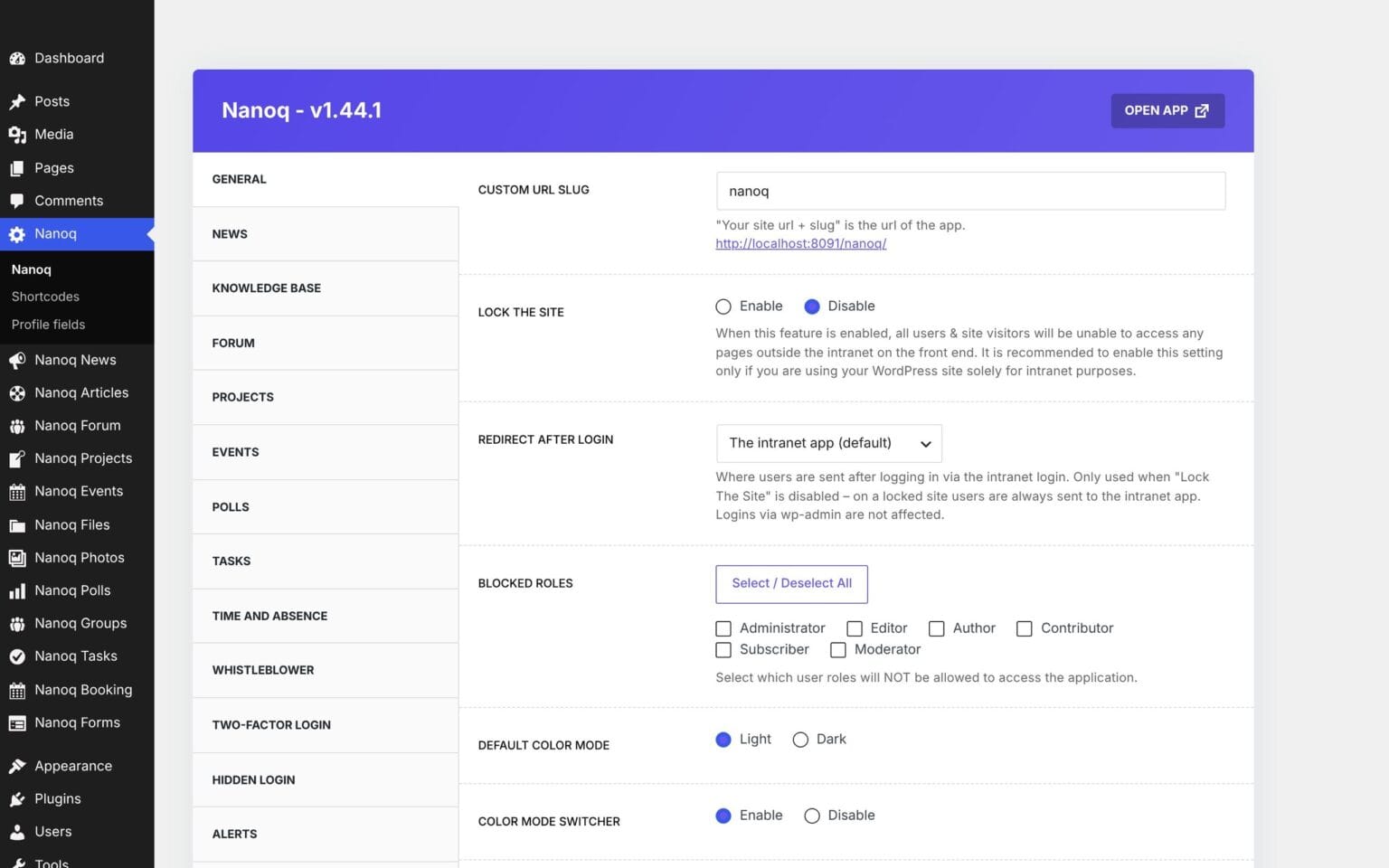
Everything is managed from the WordPress admin: which modules are switched on, which roles may do what, profile fields, public holidays and design.
What the module does
Modules, roles, profile fields and the Arctic design – managed from WordPress.
Modules on and off
Use only what you need.
Roles
Choose who may create content in each module.
Profile fields
Build your own fields with drag and drop.
Arctic design
Light or dark, with your logo, colours and banner image.
Lock the website
Turn the whole WordPress site into a closed intranet.
Shortcodes
Show news, events, files and people on your public website.
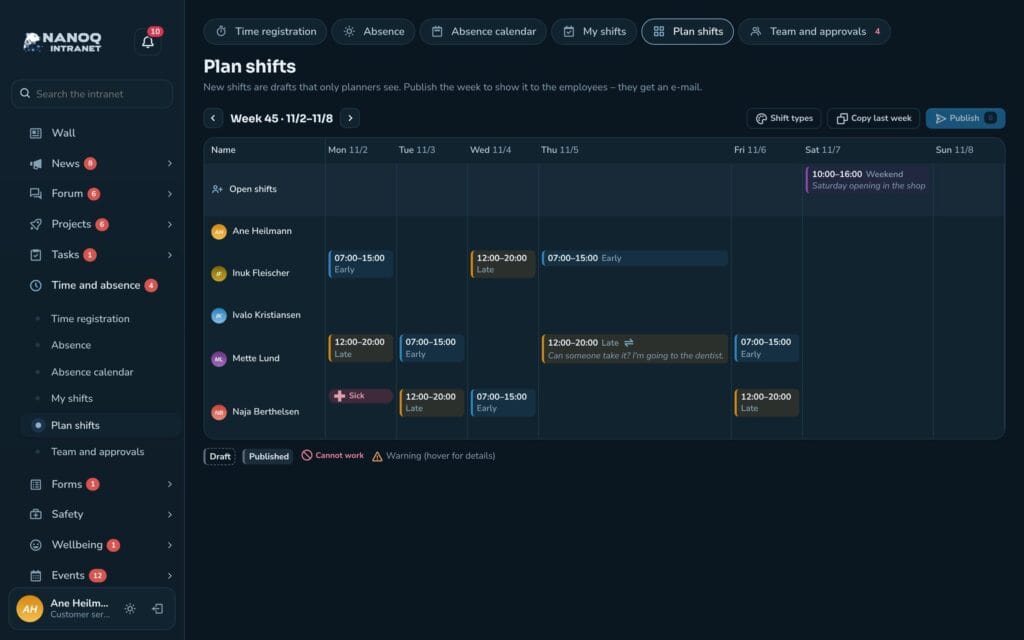
Light or dark – the user's choice
The Arctic design with polar bear and northern lights is the default. Each user switches between light and dark mode, and the choice is remembered.
Custom profile fields
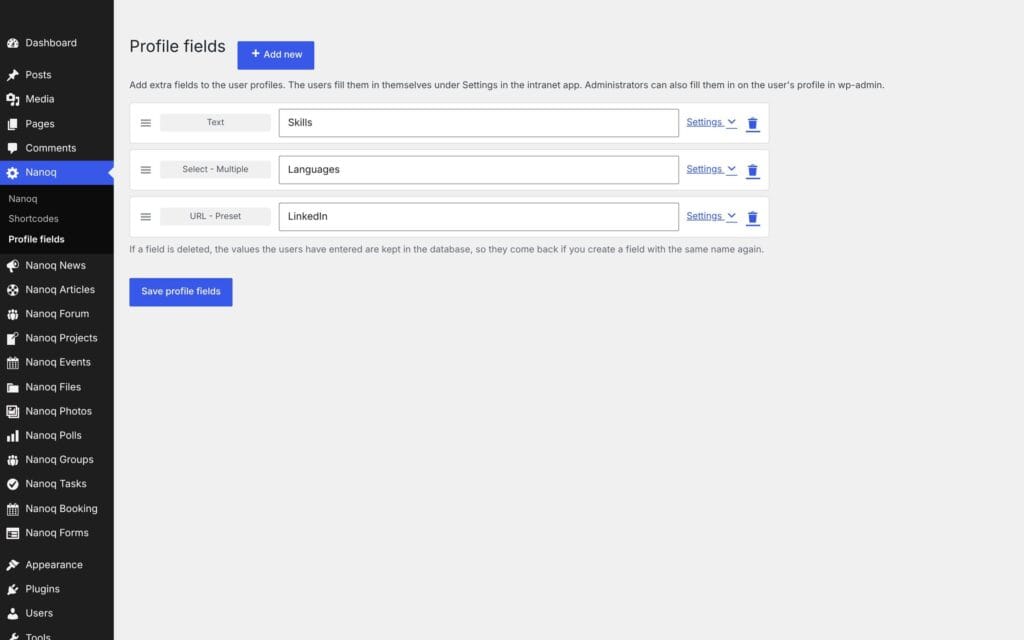
Create fields such as skills, languages or LinkedIn, choose the field type and default visibility, and drag them into the order they should appear in.
Good to know: Demo mode lets everyone see and try the intranet without being able to save – ideal for showing Nanoq off.
See also
Dashboard
A personal start page with a greeting, shortcuts and the widgets you choose yourself.
Groups and access
Departments with managers and members that control who sees what.
Ready to try Nanoq?
Log in to the demo as a managing director, manager or employee and see how it all fits together.
Demo login: username malu, ane, naja, hans, nivi or kunuk (Greenlandic) – password Nordlys2026