Collaboration
Departments that control who sees what
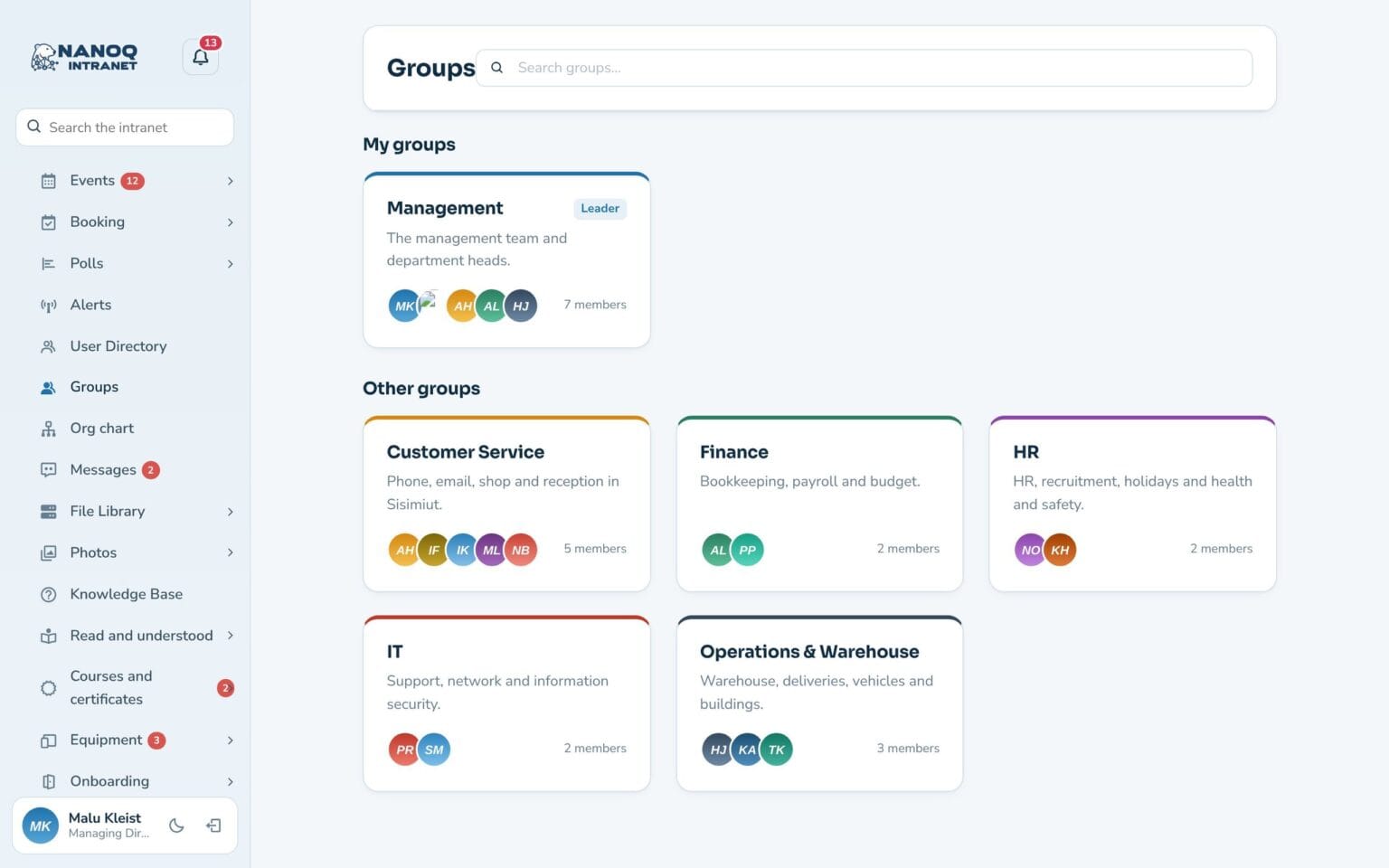
Create your departments as groups with managers and members. Groups are used throughout Nanoq: to lock content, approve absence and plan shifts.
What the module does
Departments with managers and members that control who sees what.
Managers and members
Administrators control who is in a department – the leader of a project group or club can add and remove members.
Locked content
News, folders, albums, forum and knowledge base categories.
Task lists
Lists only the department can see.
Approvals
The department's manager approves the members' leave and sees their time.
Shift plans
Every department has its own shift plan.
Group messages
A shared conversation for the whole department.
One place to manage it all
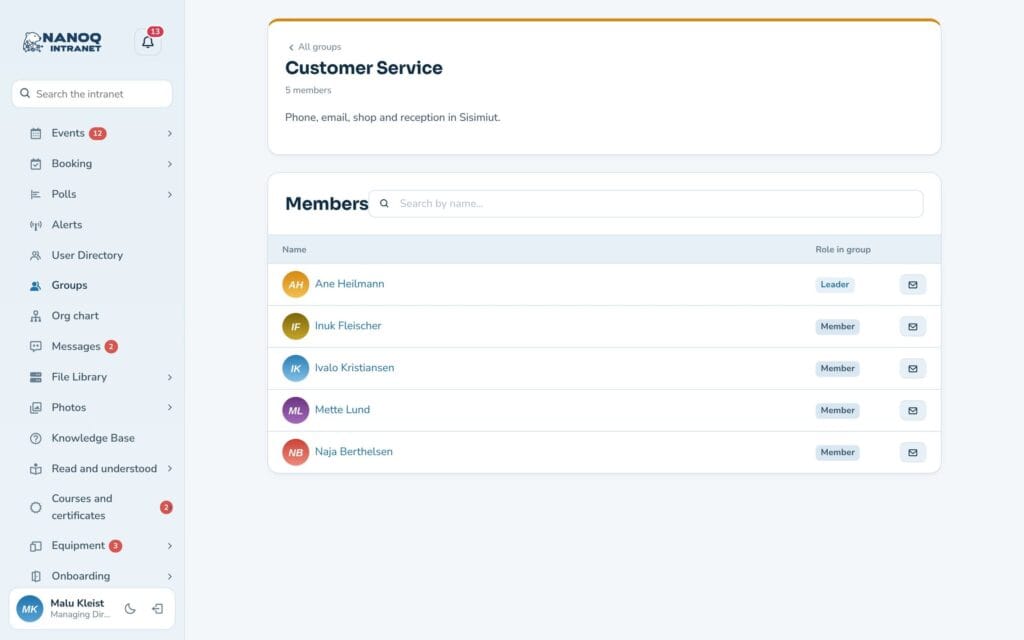
When a new employee is added to Customer Service, they immediately get access to the department’s folders, lists, shift plan and conversation.
See also
People
Member directory, profiles, profile fields and contacts – find the right colleague.
Shift planning
Plan the week's shifts, share open shifts and send shifts to the phone's calendar.
Ready to try Nanoq?
Log in to the demo as a managing director, manager or employee and see how it all fits together.
Demo login: username malu, ane, naja, hans, nivi or kunuk (Greenlandic) – password Nordlys2026