Collaboration
Book the room, the car and the boat – without double bookings
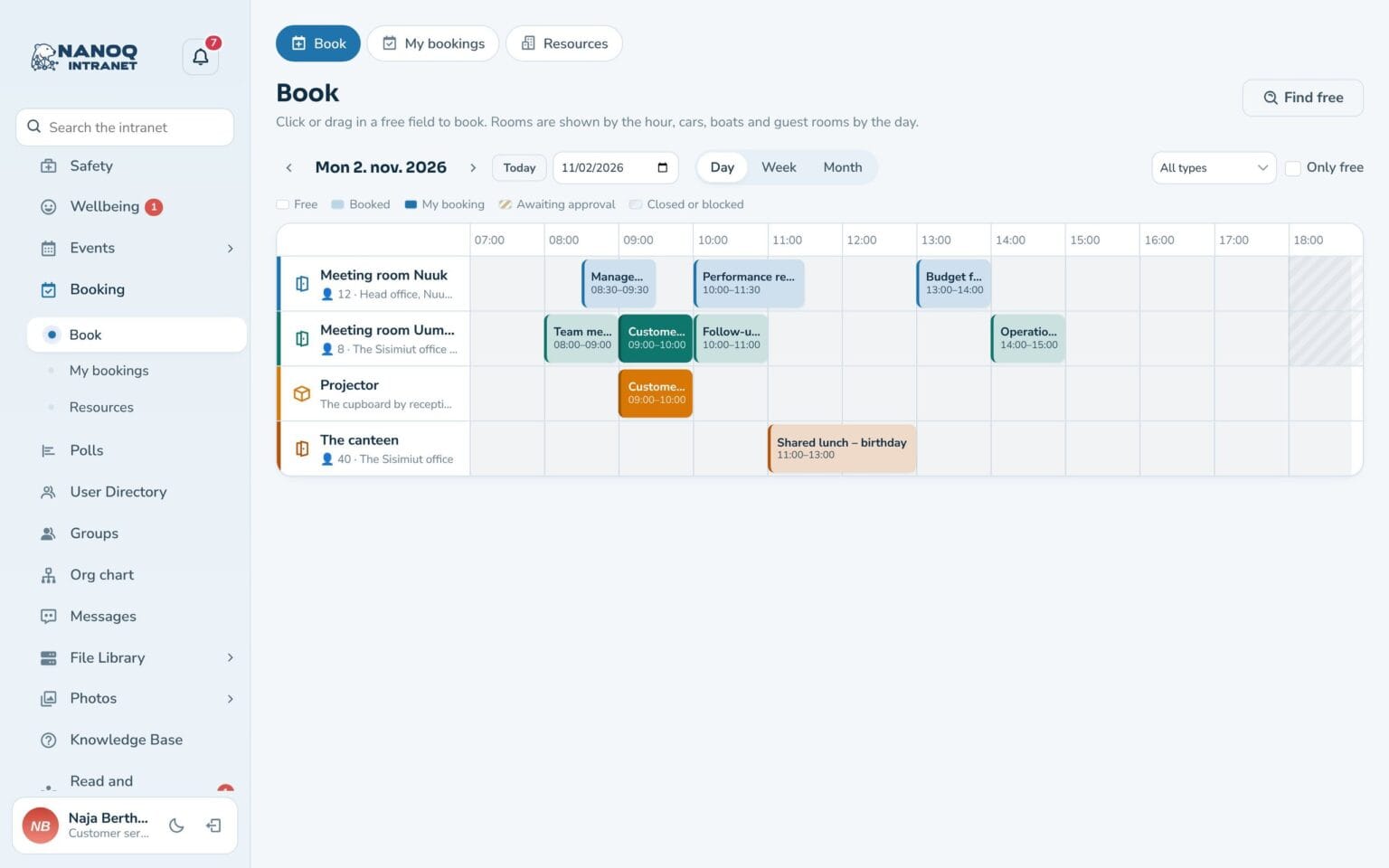
Everything you share in one calendar: meeting rooms, company cars, boats, equipment and accommodation. See straight away what is available, and book in seconds – from the phone too.
What the module does
Clear rules for each resource – and a calendar everyone can use.
Everything you share
Meeting rooms, vehicles, boats, equipment and accommodation – each with its own description and its own rules.
Find available
Day, week and month, the Only available button and Find available, which finds a resource for the time you need.
Drag to book
Drag in the calendar to book or extend. On the phone a simple list is shown.
Approval when it makes sense
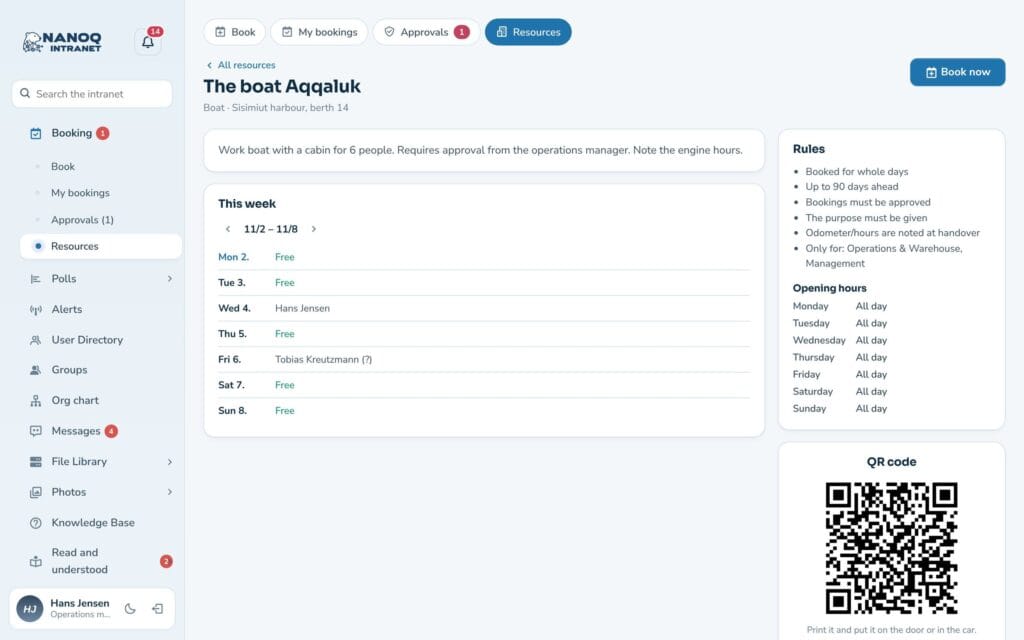
The car or the boat can require approval. The time is held for you while it is pending.
Recurring bookings
Book every week or every other week. Nanoq checks all the dates and creates the ones that are available.
Hand-out and mileage
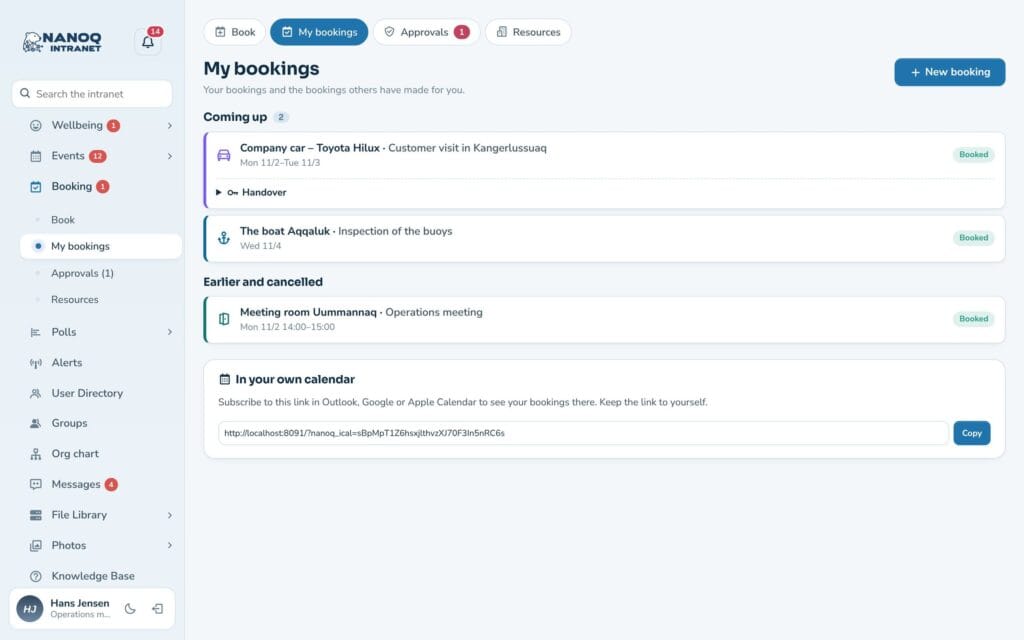
Note the mileage or engine hours at hand-out and return – with a remark if something is broken.
Rules for each resource
Set opening hours, closed days, shortest and longest booking, how far ahead bookings can be made, and a buffer between two bookings. If you have several identical items – e.g. three projectors – they are booked as one resource with three units. A resource can also be reserved for specific departments.
Connected to everything else
Book a room directly when you create an event – if the event moves, the booking follows. Bookings can go into the phone’s calendar, a reminder arrives before the start, and each resource has its own QR code that can be put up by the door or in the car.
Good to know: The module is off until you switch it on. Two people cannot book the same time – not even if they press at the same moment. If a resource is blocked, e.g. for service, the affected bookings are cancelled and the people who booked are notified.
See also
Events
A shared calendar for meetings, courses and parties with location, picture and description.
Shift planning
Plan the week's shifts, share open shifts and send shifts to the phone's calendar.
Ready to try Nanoq?
Log in to the demo as a managing director, manager or employee and see how it all fits together.
Demo login: username malu, ane, naja, hans, nivi or kunuk (Greenlandic) – password Nordlys2026