Knowledge and files
The answers, before anyone asks
Gather guides, rules and “how we do things” in a knowledge base. New colleagues find the answers themselves, and experienced ones don’t have to explain the same thing again.
What the module does
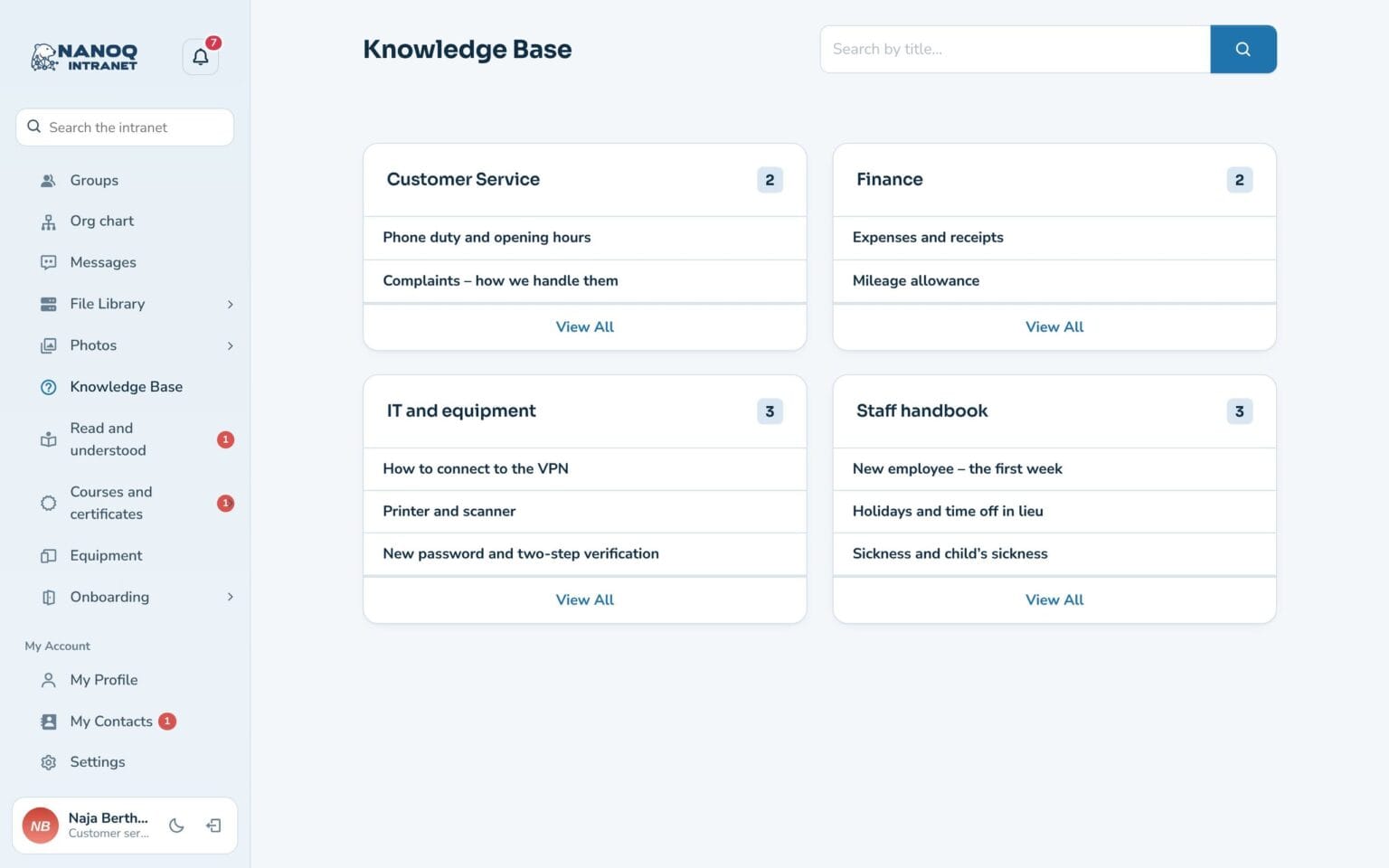
Guides and rules gathered in categories, so the answers are easy to find.
Categories
For example Staff handbook, IT and equipment, and Customer service.
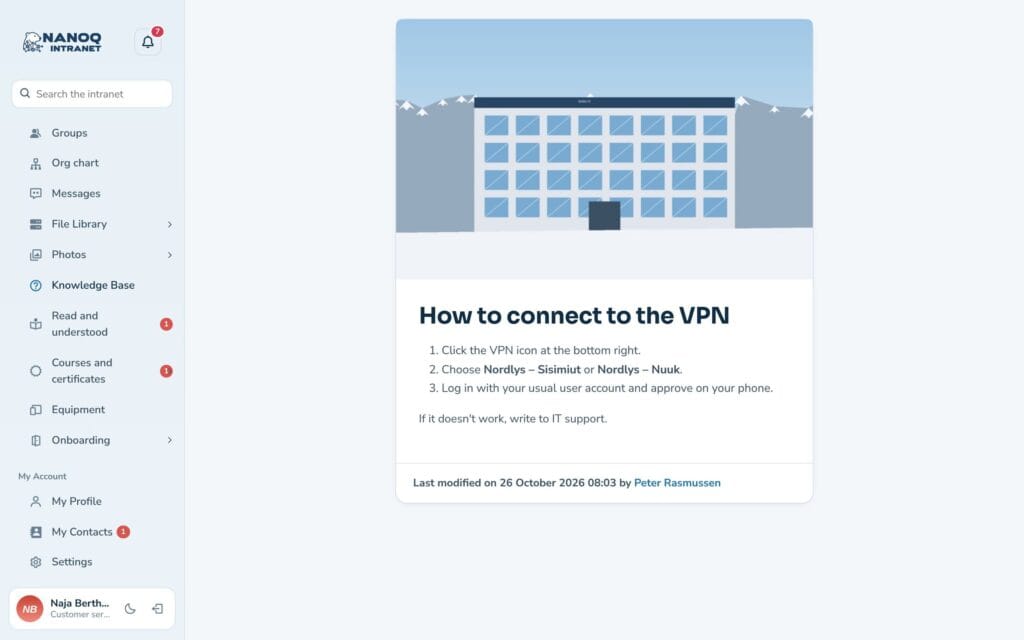
Articles with pictures
Formatted text, lists, pictures and links.
Search
Find the article by title and content.
Locked categories
Management material can be locked to the management group.
Always up to date
Every article shows who last changed it and when.
On the dashboard
Latest articles as a widget.
From staff handbook to printer guide
Write the article once and link to it from news, tasks and messages. When the rules change, you update the article – and everyone has the new version.
See also
File library
Documents in folders with versions, check-out and access by department.
Search
One search box for the whole intranet – including the text inside documents.
Ready to try Nanoq?
Log in to the demo as a managing director, manager or employee and see how it all fits together.
Demo login: username malu, ane, naja, hans, nivi or kunuk (Greenlandic) – password Nordlys2026