Communication
News everyone can find
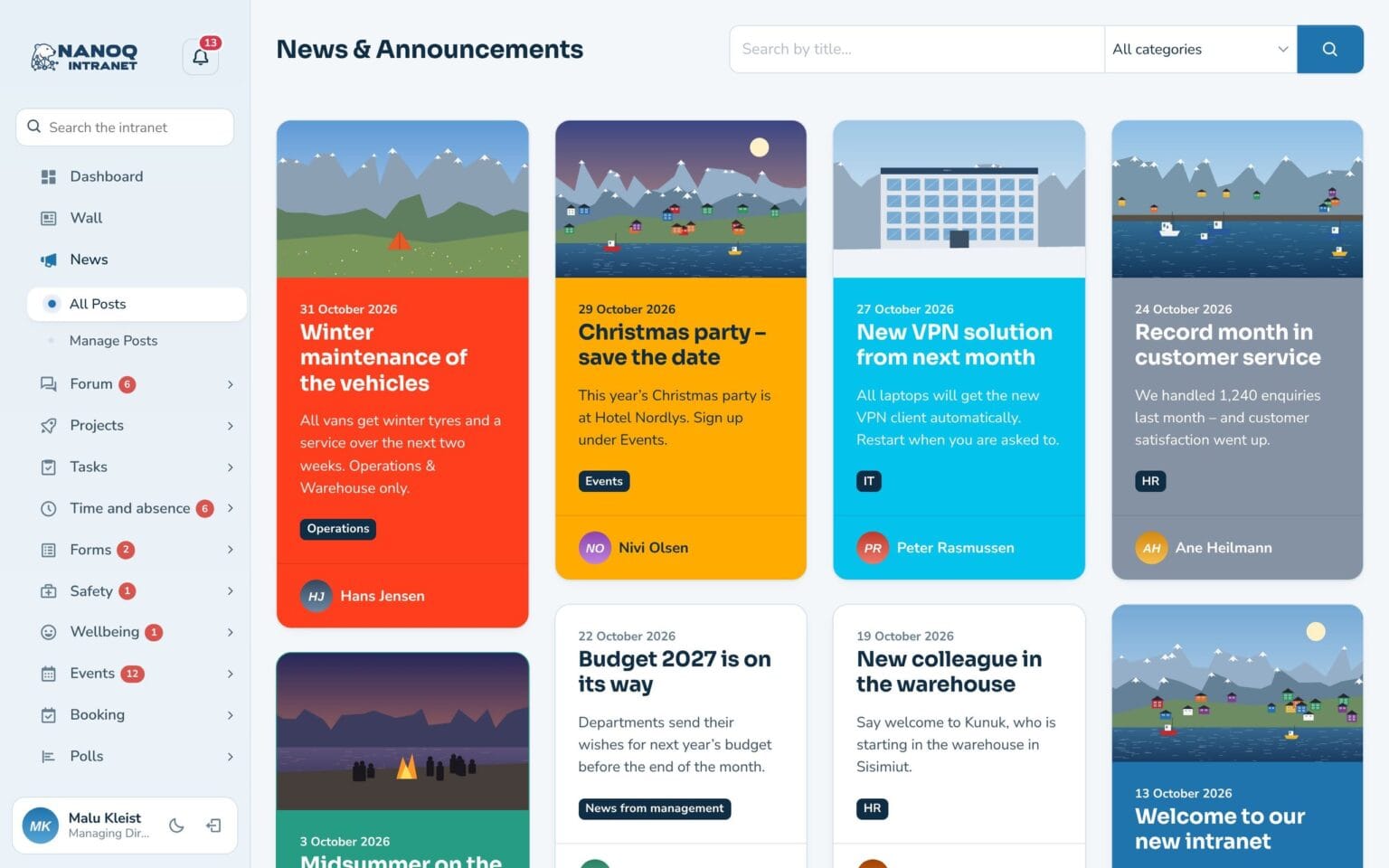
Share news from management and departments as cards with a picture, colour and category. Employees can comment, and a news item can go to the whole organisation or only to the departments it concerns.
What the module does
Share news from management and departments with pictures, categories and comments – to everyone or to just one department.
Cards with pictures
Every news item gets a picture, a colour and a category.
Comments
Employees can ask and answer directly below the news item.
Targeted
Choose which departments can see the news item.
Categories
Filter and search by, for example, HR, IT or Events.
Email notification
Employees can get an email when there is something new.
On the website
Show selected news on your public website with a shortcode.
Write as in a word processor
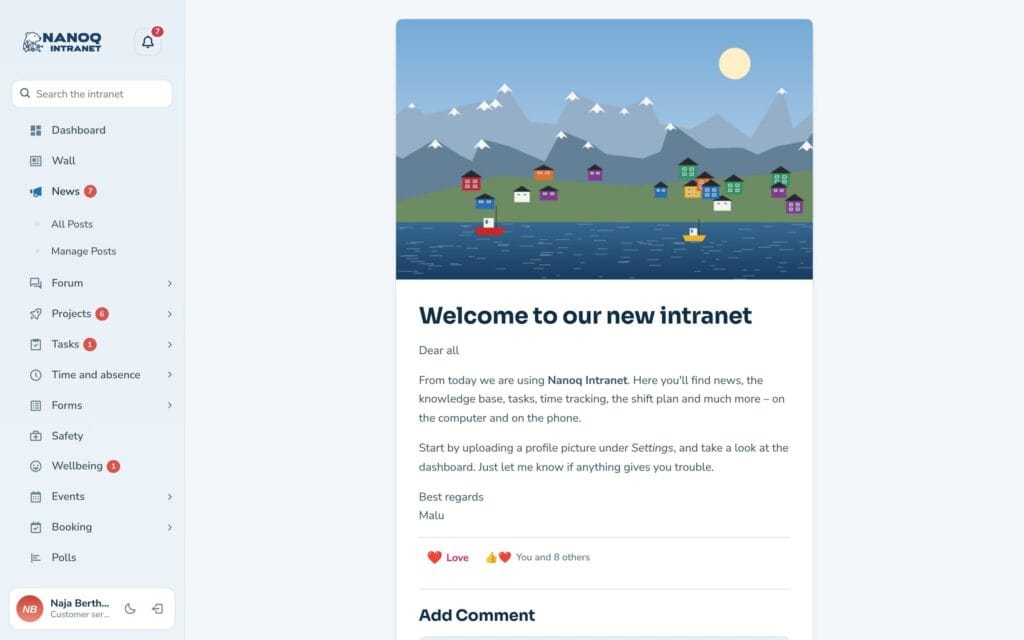
Heading, excerpt, text with bold, lists, pictures and links. Choose the card’s colour and category, and click Publish. The news item appears on the dashboard of everyone allowed to see it.
Good to know: The administrator chooses which roles may write news.
Ready to try Nanoq?
Log in to the demo as a managing director, manager or employee and see how it all fits together.
Demo login: username malu, ane, naja, hans, nivi or kunuk (Greenlandic) – password Nordlys2026