Try the demo
Try Nanoq with six different users
The demo is a real intranet for the fictional company Nordlys Service A/S with 14 employees and six departments. Log in as one of the six users below – with one click on the login page – and see what Nanoq looks like for the managing director, the managers, HR, an employee and in Greenlandic.
The demo is in English – log in as kunuk to see the same intranet in Greenlandic. Every employee chooses their own language.
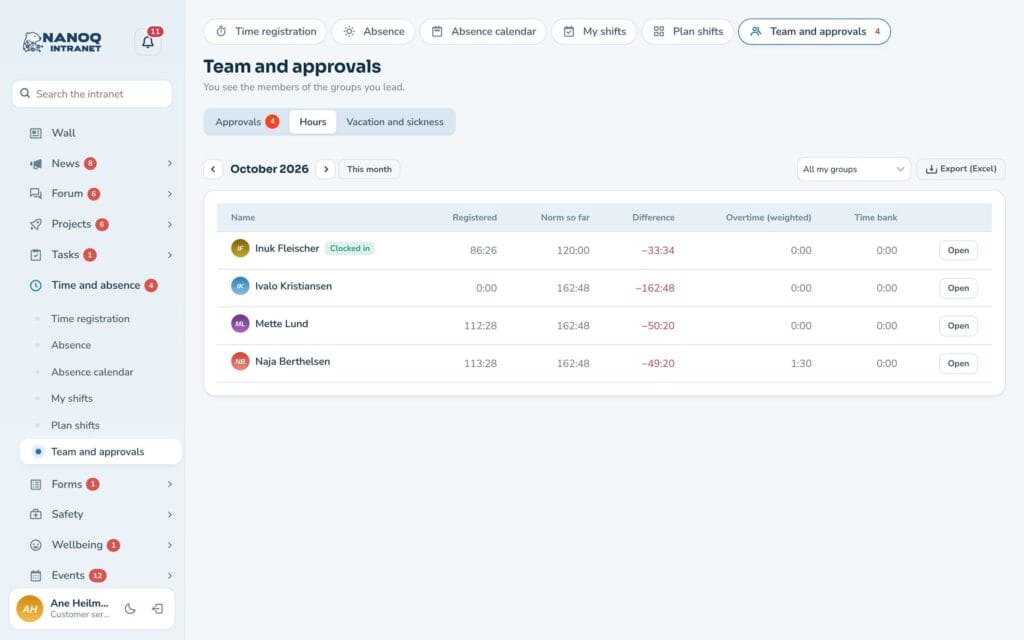
Malu Kleist
Managing director and head of HR
Username: malu
Sees the whole company: all departments, all absence and all hours.
- The absence calendar and leave requests for the whole company
- Hours, overtime and time bank under Team and approvals
- The task overview: who has what, and what is overdue
- The member directory with departments and profile fields
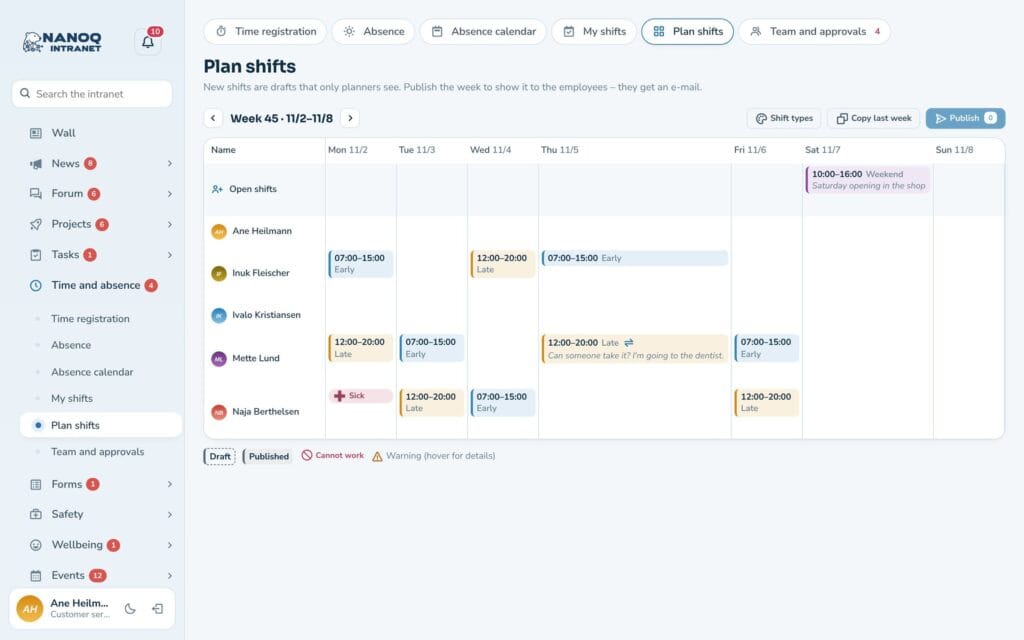
Ane Heilmann
Head of Customer Service
Username: ane
Manages a department and sees her own employees.
- This week's shift plan for Customer Service and the open shifts
- Leave requests waiting for her approval
- The department's shared task list and board
- Group messages in Customer Service
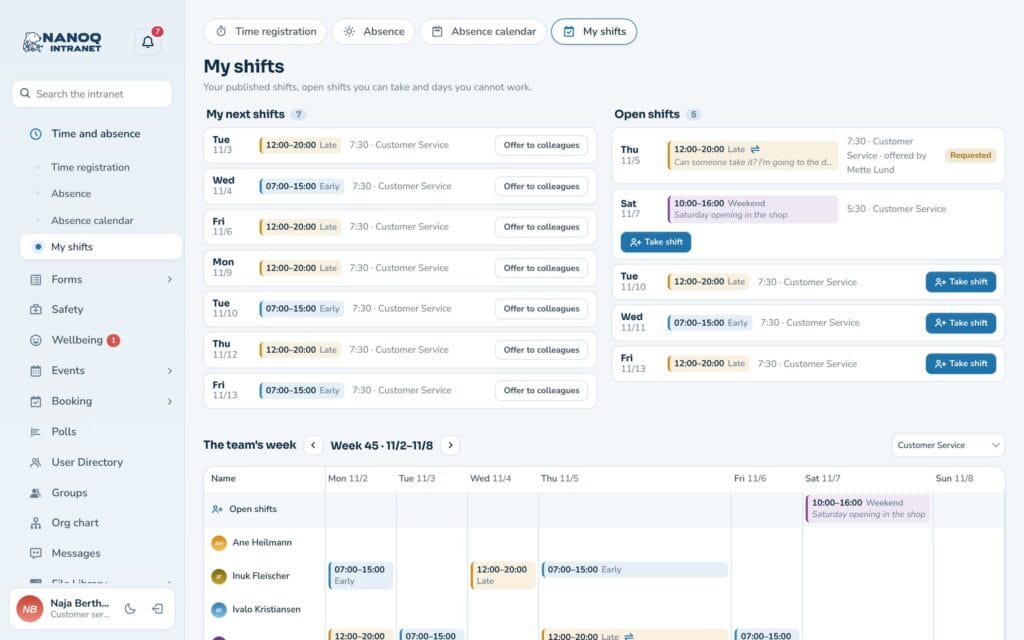
Naja Berthelsen
Customer Service employee
Username: naja
Sees the intranet as an ordinary employee.
- The dashboard with time clock, shifts and tasks
- Leave balance and the absence calendar
- My shifts and open shifts
- Everything on the phone – in dark mode too
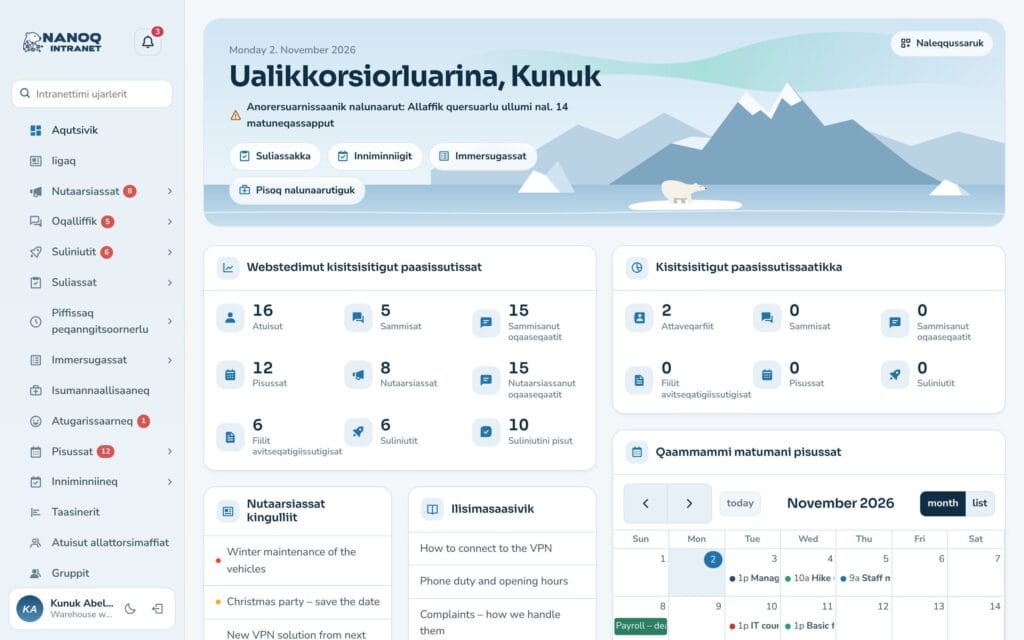
Knud Abelsen
Employee – in Greenlandic
Username: kunuk
Has chosen Kalaallisut as his language and sees the whole intranet in Greenlandic.
- Menus, buttons and messages in Kalaallisut
- Dashboard, tasks and shifts in Greenlandic
- Compare with naja, who sees the same in English
- The intranet on the phone – in Greenlandic too
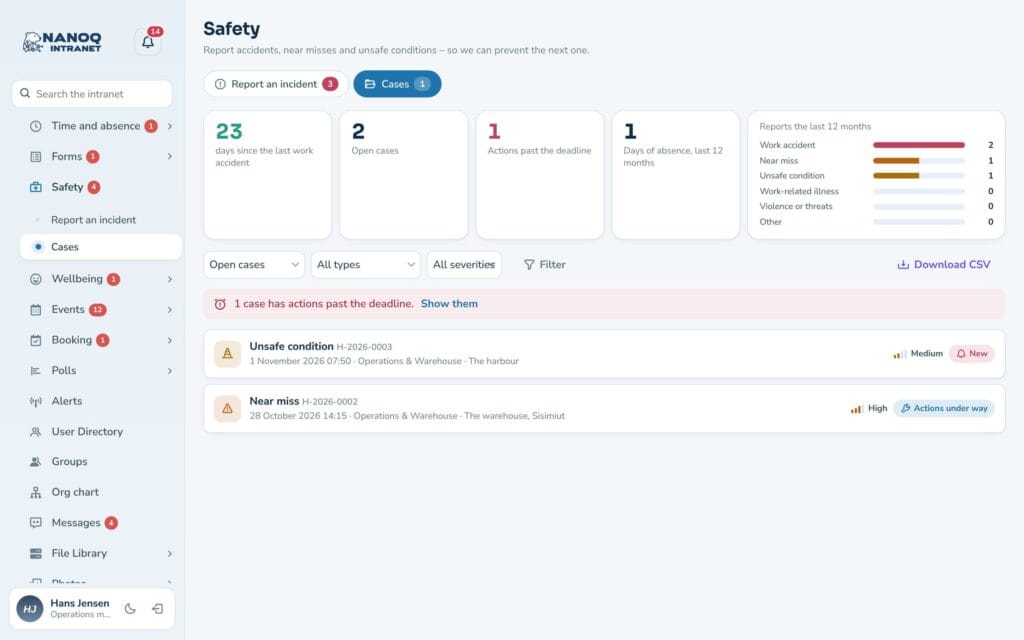
Hans Jensen
Operations manager
Username: hans
Manages Operations & Warehouse and sees his own department.
- Safety: the department's incidents and actions
- The department's wellbeing – and the whole workplace's
- Shifts and leave in Operations & Warehouse
- Booking the company car and the van
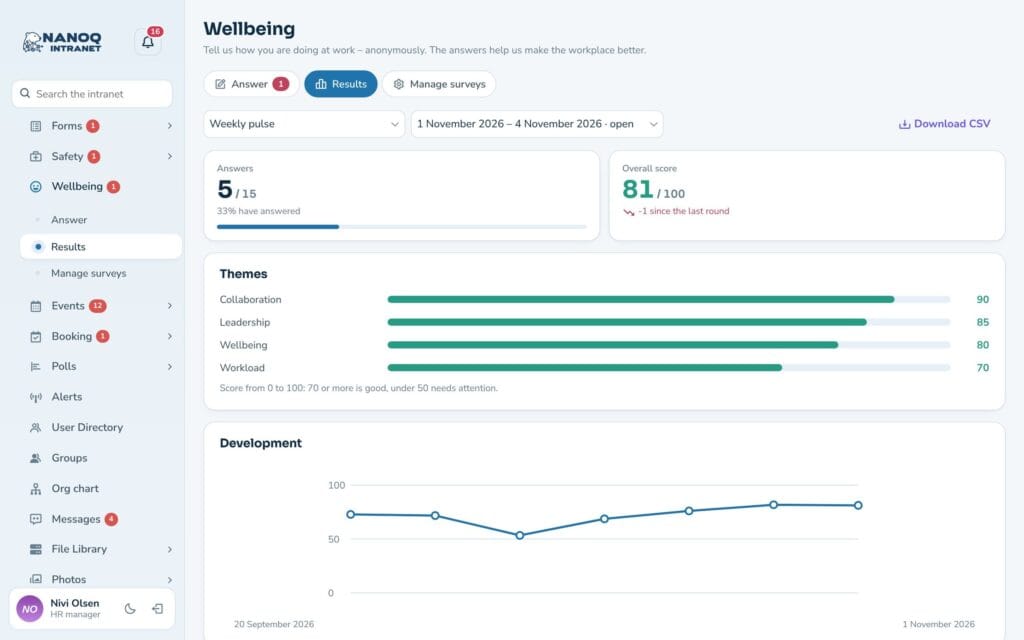
Nivi Olsen
HR manager and moderator
Username: nivi
Head of HR and moderator.
- Wellbeing: results, departments and comments
- Moderation: reports in the queue
- New members and invitations
- Absence and leave for the whole company
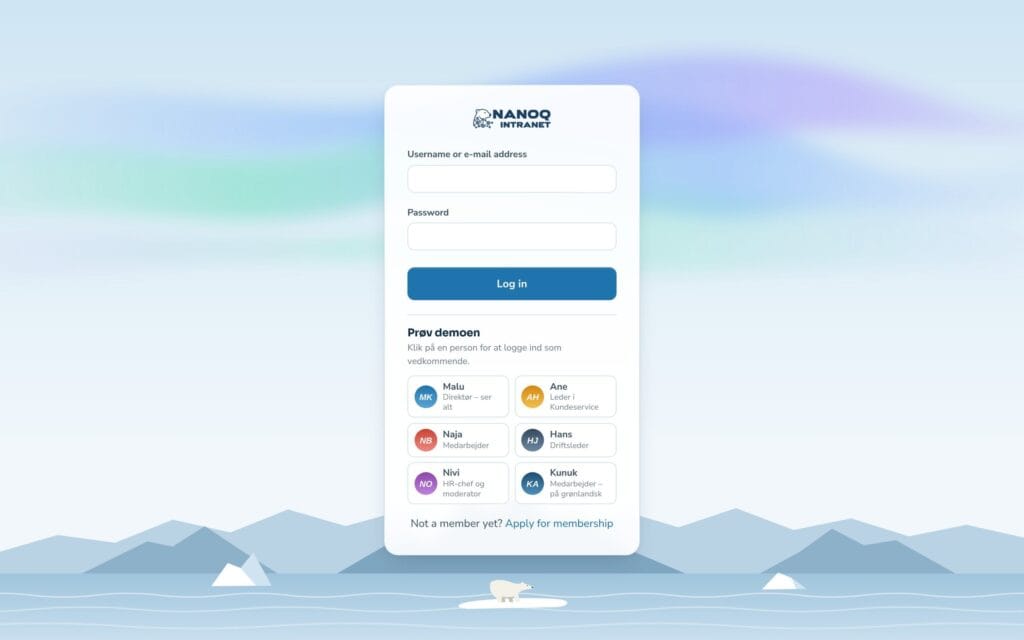
Log in with one click
No username or password
Below the login fields on the demo you’ll find Try the demo with six people. Click one of them and you are logged in as that person – no need to type a username or password.
- Malu – managing director, sees everything
- Ane – manager in Customer Service
- Naja – employee
- Hans – operations manager
- Nivi – HR manager and moderator
- Kunuk – employee, in Greenlandic
The password is the same for all six: Nordlys2026 – or simply click the person on the login page.
Limitations
Good to know about the demo
The demo shows all modules with real data, but it is shared by all visitors and protected, so nobody can break it.
You can't save
The demo is in demo mode: you can open and click everything, but not save, publish, upload or send.
Shared users
All visitors use the same six logins. Never enter real personal data in the demo.
Reset every night
The demo is reset every night at 3 am (Greenland time), so it always looks like the first time.
No emails
The demo doesn't send you any emails.
Fictional company
Nordlys Service A/S and all the people in the demo are fictional.
No administration
Settings, roles, design and GDPR anonymisation in WordPress are not part of the demo. See the guides to read more about them.
Ready to try it?
Click a person on the login page – or log in as malu, ane, naja, hans, nivi or kunuk (Greenlandic) with the password Nordlys2026
Do you have questions, or would you like to see the administration? Contact us.